Standard chess rules dressed as a cinematic medieval battle: capturing a piece plays a real melee animation between the two 3D figures rather than just removing one from the board. Play the engine at three difficulties, pass the board to a friend, or set two engines against each other and watch.
King's Gambit — Medieval 3D Chess is standard chess — the real rules, no house variants — staged as a cinematic battle in a torch-lit castle hall. Every piece is a fully rigged 3D figure rather than a flat icon, and the setup screen alone is more elaborate than most single-purpose chess apps: three opponent modes (a computer, a local two-player match, or two computers playing each other), three difficulty levels, an optional chess clock, and three purely cosmetic army skins to dress either side in. It opens on a skippable cinematic of the two armies facing off across the board before handing control to that setup screen.
It's built on and hosted by Rork, an AI app-building platform — the first entry in this collection made with it rather than the ChatGPT Sites / GPT-6 Astra pipeline or Claude that most of the site's other AI-built games use. Rork's own badge sits in the corner of the page, and the response headers back it up: the site is Cloudflare-fronted with `x-rork-route-source` and `x-rork-target-kind` headers naming Rork's own key-value store and R2 bucket as the origin. Like ChatGPT Sites, Rork appears to be a pipeline for turning a prompt into a shareable, hosted web app; unlike the single-file HTML pages ChatGPT Sites tends to produce, this one is a proper React bundle (React Router, by the look of its code) with a real asset pipeline behind it.
Chess itself is centuries-old and carries no licensing concerns, so this entry needs none of the fan-tribute framing this collection gives its Transformers or Disney-park entries. There is no visible author credit anywhere on the page, in its metadata, or on Rork's own toolkit chrome, so none is claimed here.
How to play King's Gambit — Medieval 3D Chess
- The setup screen has three tabs — Computer, 2 Players, AI vs AI — plus, in Computer mode, an Opponent difficulty (Easy / Medium / Hard, each with its own flavor line — Medium reads "Knight — thinks three moves deep"), which banner you play (Ivory or Obsidian), and an Hourglass chess clock (None, 5, 10 or 15 minutes; None by default, so there's no time pressure unless you ask for it).
- Armies lets you reskin either side's pieces — Ivory Kingdom (medieval European plate and heater shields), Sun Empire (Aztec-style obsidian, jade and quetzal plumes) or Grande Armée (Napoleonic navy-and-gold, with rifles, muskets and cannon standing in for the piece set) — purely cosmetic, no rule changes. A Battleground picker further down sets the hall itself: Sun Temple, Dawn Court, Dune Bastion, Frostfall, Stormwatch and Siege at Dusk are the six named settings we found.
- In an actual game, click or tap a piece to select it (its legal destination squares light up on the board), then click or tap one of those squares to move — we opened with 1.d4 and only the true legal squares (d3 and d4) ever highlighted, not the whole file. Drag anywhere to orbit the camera and scroll, or pinch on a touchscreen, to zoom.
- 2 Players is local pass-and-play, not an online match: the mode's own description says so plainly — "Two commanders, one board. The view holds its angle between turns — flip it whenever you like with F, or switch on the automatic swing in settings." Both sides play from the same device and the same screen; there is no code to share and nothing to connect to.
- AI vs AI turns the board into a spectator match: separate difficulty dropdowns for the "Ivory engine" and "Obsidian engine" (defaulting to Medium and Hard respectively), a Pace control (0.5×/1×/2×/4×) and a Loop new duels toggle that restarts a fresh match when one ends. The mode's own blurb — "made for watching and for capturing footage" — is literal: the camera drifts on its own, and pressing C mid-match hides the whole interface for a clean shot.
Controls: Click or tap a piece to select it — legal destinations light up on the board — then click or tap one to move there. Drag anywhere to orbit the camera and scroll (or pinch) to zoom. In Two Players, F flips the board to face whoever's turn it is; in AI vs AI, C hides the interface for a clean view of the duel.
Click Fullscreen above the game for the largest play area. If the game does not load, use Open in new tab to play it directly from our copy.
Why it's worth your time
Capturing a piece is a real fight, not a silent swap: the page ships individually rigged models per piece type per army, each carrying a library of combat animation clips — idle, walk, a charge, and attack-specific clips like sword-judgment, heavy-hammer-swing, charged-slash and thrust-slash, plus knock-down, dying-backwards and dead clips for the piece on the losing end. We found this by watching the network panel during play, not by reading any marketing copy — it's simply what the client requests the moment a capture happens.
The computer opponent is a real local chess engine, not a call out to a language model: watching every network request during Computer mode confirmed the only traffic while it "thinks" is the game's own already-cached assets — nothing goes out to an AI API. In our own test it opened 1.d4 as White; the built-in engine replied 1...Nc6 as Black, a normal, sound developing move. In this session's own testing environment the reply took roughly 20–30 seconds to arrive, worth flagging as possibly specific to the sandboxed/software-rendered browser we tested in rather than the engine itself — a real GPU and a idle CPU may well be faster.
We didn't force a full game through to checkmate, but move legality held up on every attempt: illegal destinations never highlighted, and the one piece we tried to move mid-game only ever offered its actual legal squares. We didn't specifically manufacture a castle, an en passant capture or a pawn promotion to check those individually.
Mirroring it needed two hand-patches this site's tooling doesn't handle automatically. First, the app's router only defines a route for the exact path "/" plus a wildcard "not found" screen — loaded from its real nested address here, it hit the wildcard and showed its own 404 instead of the game. We patched the compiled bundle's route table so the game's route claims the wildcard instead. Second, around twenty 3D-model and audio URLs pointing at the game's asset host were rewritten as paths relative to the script file that referenced them, but the game hands those strings straight to a model loader, which resolves them against the page's own address instead — one folder shallower than where the script lives. Patched those to absolute paths by hand; the general case has been flagged for this site's own mirroring tool to fix properly.
The setup screen's difficulty selector reads a little unusually — Easy/Medium/Hard are labelled with chess-piece names and flavor text ("Knight — thinks three moves deep" for Medium) rather than plain numbers, in keeping with the medieval framing.
How it was made and where it lives
Published through Rork, an AI app-building platform whose Cloudflare-fronted hosting serves the built app straight from the prompt that made it. Original: https://medieval-3d-chess.rork.app/. The Play button above runs our own unmodified copy, so the game keeps working here if that page goes down — which on free hosting usually has nothing to do with the author. Nothing about the game itself is changed, and the original stays linked from every page.
If you like King's Gambit — Medieval 3D Chess, try these
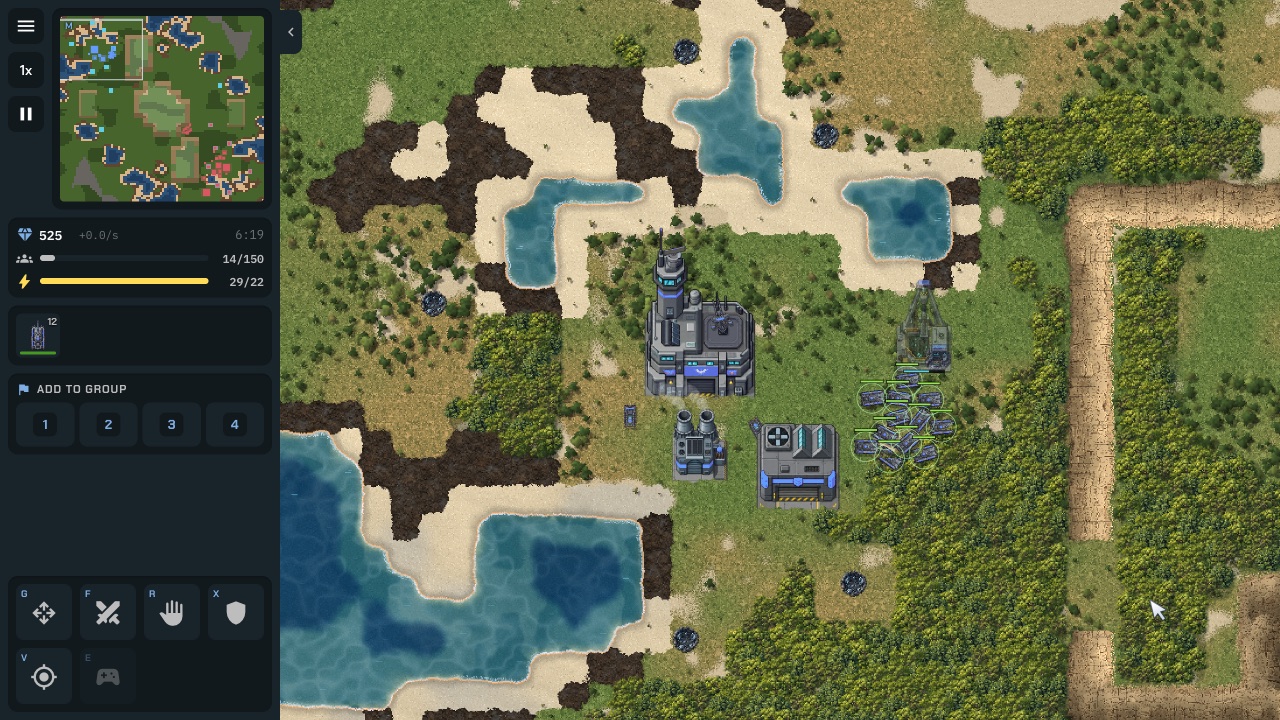
DUST FRONT is this collection's other substantial AI-opponent strategy build, with its own difficulty tuning and a base-and-faction setup screen in a similar spirit, though it's a real-time skirmish rather than a turn-based board game. For another game that hands you both sides and lets you just watch, see Mini Moto, where every rider (not just an opponent) is AI-controlled.
Frequently asked questions
- Does it follow standard chess rules?
- As far as we could verify — yes. Only true legal destination squares ever highlighted when we selected a piece, and the built-in engine replied to 1.d4 with a normal developing move (1...Nc6). We did not specifically test castling, en passant or promotion.
- Can I play against a friend?
- Yes — the 2 Players mode is local pass-and-play on one device and one screen. It is not an online match; there's no code to share or connection to make.
- Is there a time limit?
- Only if you set one. The Hourglass option offers a 5, 10 or 15 minute chess clock per side, or None (the default, no clock at all).
- Can I just watch two computers play?
- Yes — AI vs AI pits an "Ivory engine" against an "Obsidian engine" with independent difficulty settings, a playback-speed control and a camera that drifts on its own; the mode says outright it's built for watching and recording.
- Does it work on a phone?
- Yes. The setup menu and the board both reflow to phone width with no horizontal overflow, and tapping a piece and then a destination square works exactly like a click, verified with an emulated touch device.
- Who built this?
- It's built on and hosted by Rork, an AI app-building platform — no individual author is credited anywhere on the page or its metadata.
- Is King's Gambit — Medieval 3D Chess free to play?
- Yes. Everything on Floating Arcade is free, with no account, ads or downloads.
- Can I embed this game on my own website?
- Yes — copy the snippet below. The embedded player links back here, which is how we ask to be credited.
Embed King's Gambit — Medieval 3D Chess on your site
Paste this where you want the game to appear: