An unofficial fan-made 3D map of Tokyo DisneySea, not affiliated with or endorsed by Disney or the Oriental Land Company: a single stylized island model carrying all eight of the park's real areas, from Mediterranean Harbor's gondola docks to the 2024-added Fantasy Springs, with 33 real attractions individually labelled by name.
Tokyo DisneySea is an unofficial fan-made 3D map of the real Disney theme park on Tokyo Bay — not affiliated with, endorsed by, or produced by Disney or the Oriental Land Company, which actually owns and operates the park. Built by Charly Delaroche (@Nal_uh) and hosted on Cloudflare Workers, it renders the whole park as one stylized floating island you orbit and zoom into from above, with all eight of the park's real areas modeled: Mediterranean Harbor, American Waterfront, Port Discovery, Lost River Delta, Arabian Coast, Mermaid Lagoon and Mysterious Island, plus Fantasy Springs, the expansion Tokyo DisneySea actually opened in 2024. The loading screen's own progress messages say as much directly — "Building eight little worlds," "Bringing the park closer," "Filling the sea with color" — and the page's own metadata describes it the same way: "eight ports, tiny trains and a thousand lights."
This isn't a generic Three.js scene like most of the 3D pieces in this collection — it's a custom Rust/WebAssembly renderer (the page loads a disneysea_web.wasm module) built on WebGPU rather than plain WebGL, streaming the island as a set of content-addressed geometry chunks alongside baked PBR texture atlases. It needs a browser that actually supports WebGPU: loaded in a context with no GPU adapter, the page fails outright with "No suitable graphics adapter found" rather than falling back to anything softer.
Thirty-three real attractions are individually labeled by their real names when you turn labels on — Soaring: Fantastic Flight, Tower of Terror, Indiana Jones Adventure®: Temple of the Crystal Skull (carrying Disney's own registered-trademark mark), Journey to the Center of the Earth, Anna and Elsa's Frozen Journey and more, scattered correctly across their real areas. It's a considerably more thorough recreation than a single postcard view — genuinely almost the whole park, at a small, toy-like scale rather than 1:1.
How to play Tokyo DisneySea
- Wait for the loading circle to reach 100% and "Ready to explore" — on a slower connection or GPU this can take a while, since the whole island streams in before you can move at all.
- Drag anywhere to orbit the island; scroll (or pinch, on a touchscreen) to zoom continuously, from a full-park establishing shot all the way down to street level where individual benches, lampposts and tiny pedestrian figures are modeled.
- The toolbar in the top-right toggles day and night lighting, attraction-name labels (the "Aa" button), and fullscreen.
- Right-click anywhere on the model (long-press on a touchscreen) to drop a comment pin at that exact 3D point — "Add annotation" opens a text box, and pins are saved to your own browser's local storage only, with buttons to export or copy them as JSON. It's a genuine feedback tool bolted onto a diorama, not just decoration.
- One undocumented extra: pressing W toggles a wireframe/triangle-mesh debug view. It isn't in any visible button — it's only mentioned in the canvas element's own accessibility label.
Controls: Drag to orbit the island, scroll (or pinch) to zoom from a full-park view down to street level. Right-click (or long-press) to drop a comment pin anywhere on the model. The toolbar toggles day/night lighting, attraction-name labels and fullscreen; press W to toggle a wireframe view.
Click Fullscreen above the game for the largest play area. If the game does not load, use Open in new tab to play it directly from our copy.
Why it's worth your time
Mirroring this one turned up a real asset-class trap worth flagging: the app requests an entirely different runtime manifest depending on device — a desktop-runtime-
Once both sets were in place, everything else about the scene loads upfront: watching the network panel through extensive rotating, zooming, day/night toggling and annotation testing turned up zero additional requests after the initial 100% load. There's no per-view streaming to worry about the way a walk-through scene might have — the whole island is resident in memory from the start.
The recreation reads as a deliberately stylized, toy-scale diorama — simplified rooflines, chibi-proportioned buildings, a hand-painted-looking water shader — rather than an attempt at photoreal 1:1 accuracy, and it should be judged on those terms. A reply on the source post from someone who visited the real park this summer put it well: lots of small things read as "off" up close, but it was still good enough to show their kids and be impressed by. That tracks with what we found poking around it ourselves — the layout, the relative positions of the eight areas and the named attractions all check out, but this is a love letter in miniature, not a survey-grade replica.
The only credit on the page itself is the @Nal_uh link in the bottom-right corner — no separate about page, changelog or credits panel, so that link is this entry's only source for authorship.
How it was made and where it lives
Hosted on a Cloudflare Workers page. The author publishes as Nal_uh. Original: https://3dscenes.qualityf2p.workers.dev/tokyo-disneysea. The Play button above runs our own unmodified copy, so the game keeps working here if that page goes down — which on free hosting usually has nothing to do with the author. Nothing about the game itself is changed, and the original stays linked from every page.
The post that led us here
Charly Delaroche@Nal_uhInteractive 3D map of Tokyo DisneySea.
If you like Tokyo DisneySea, try these
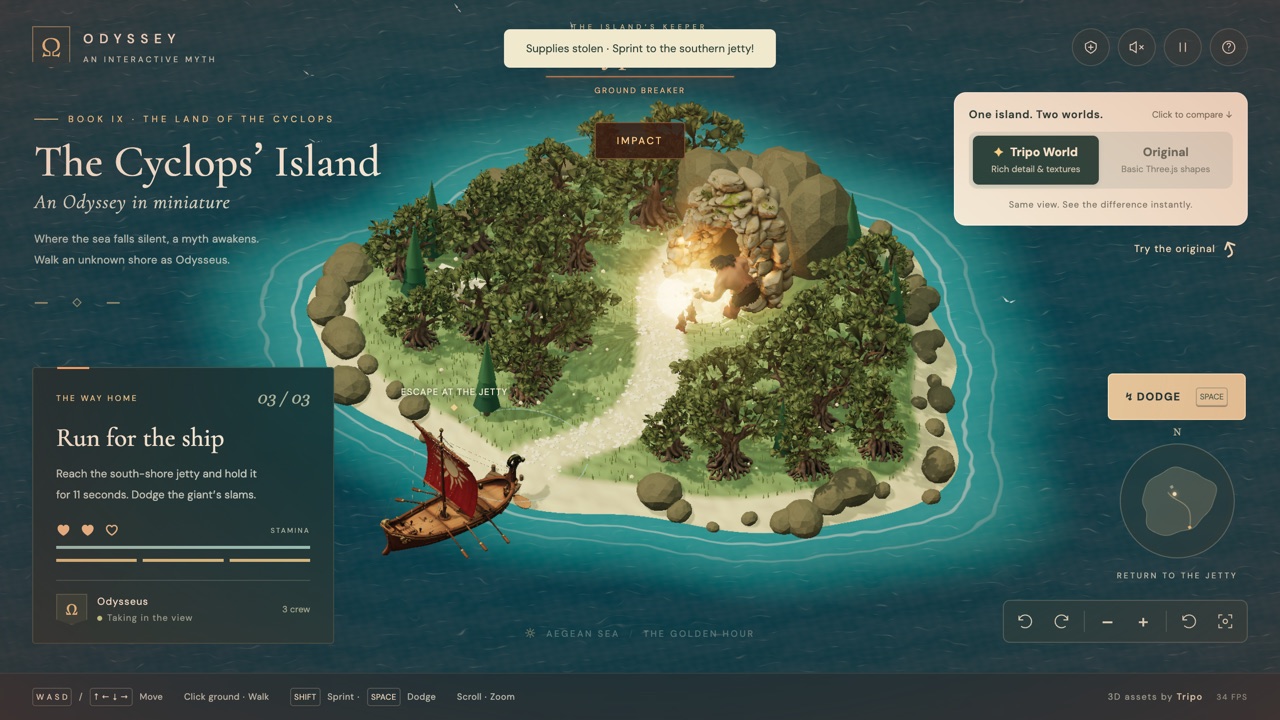
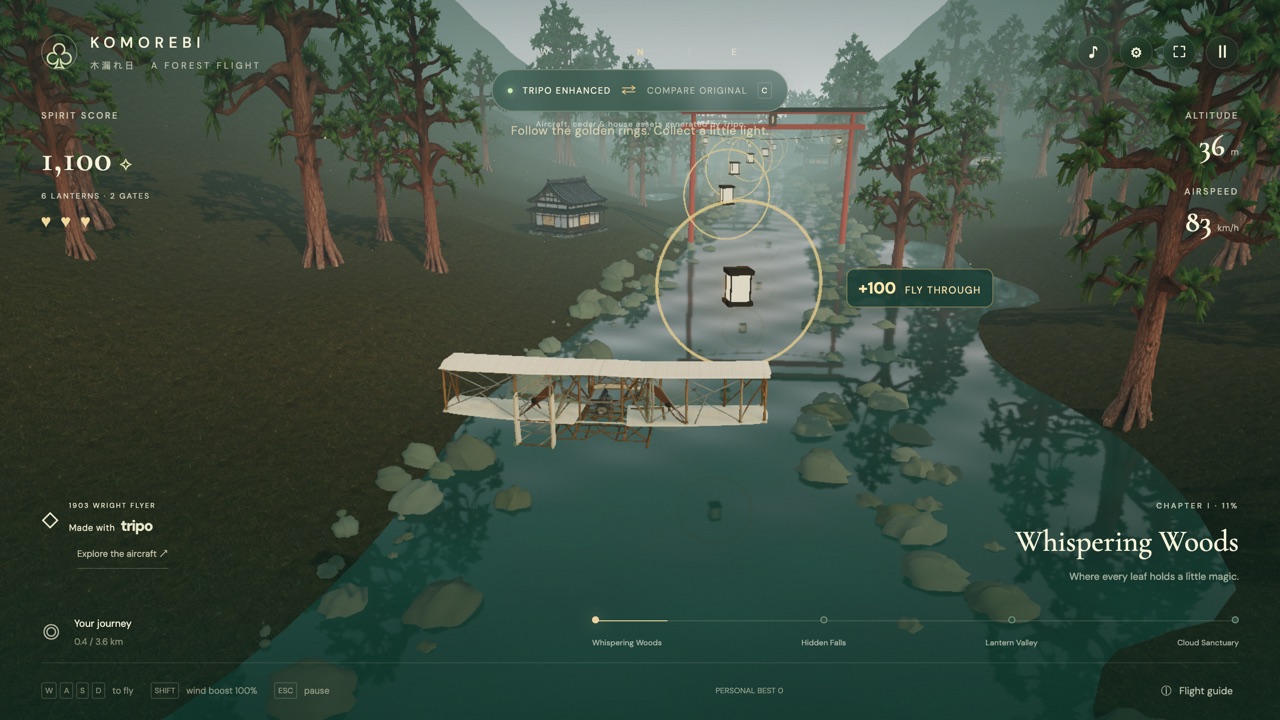
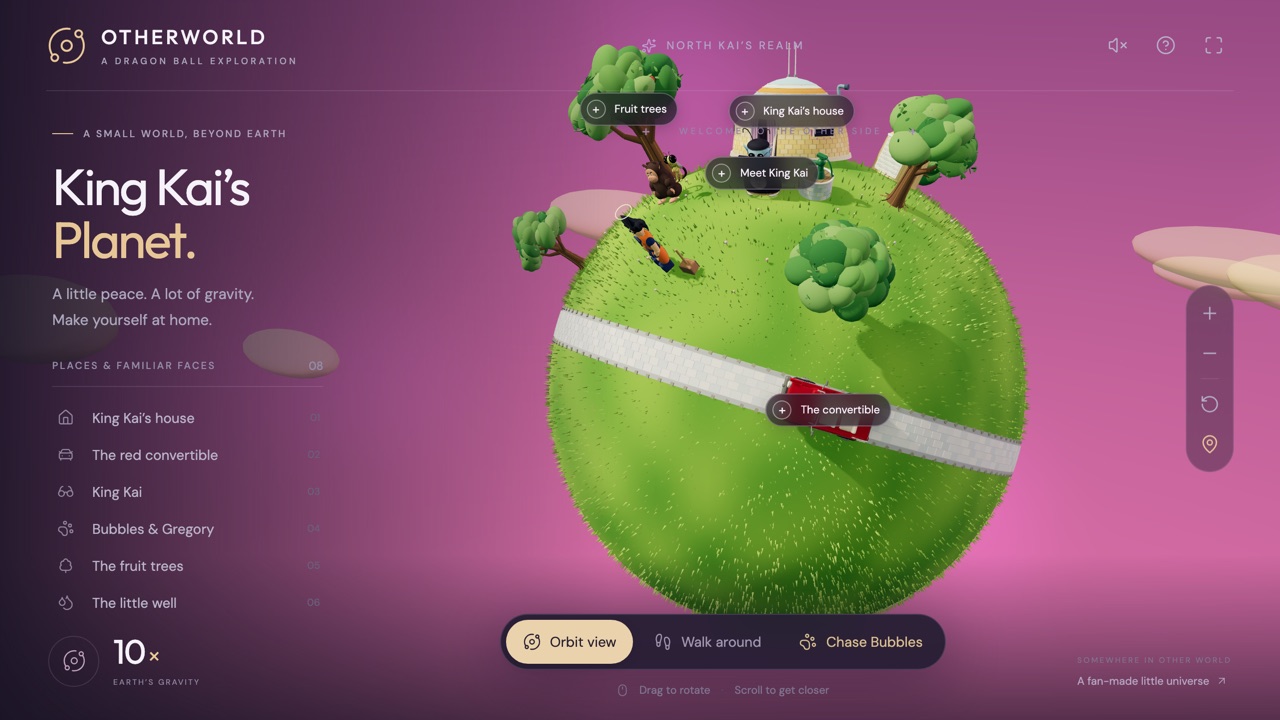
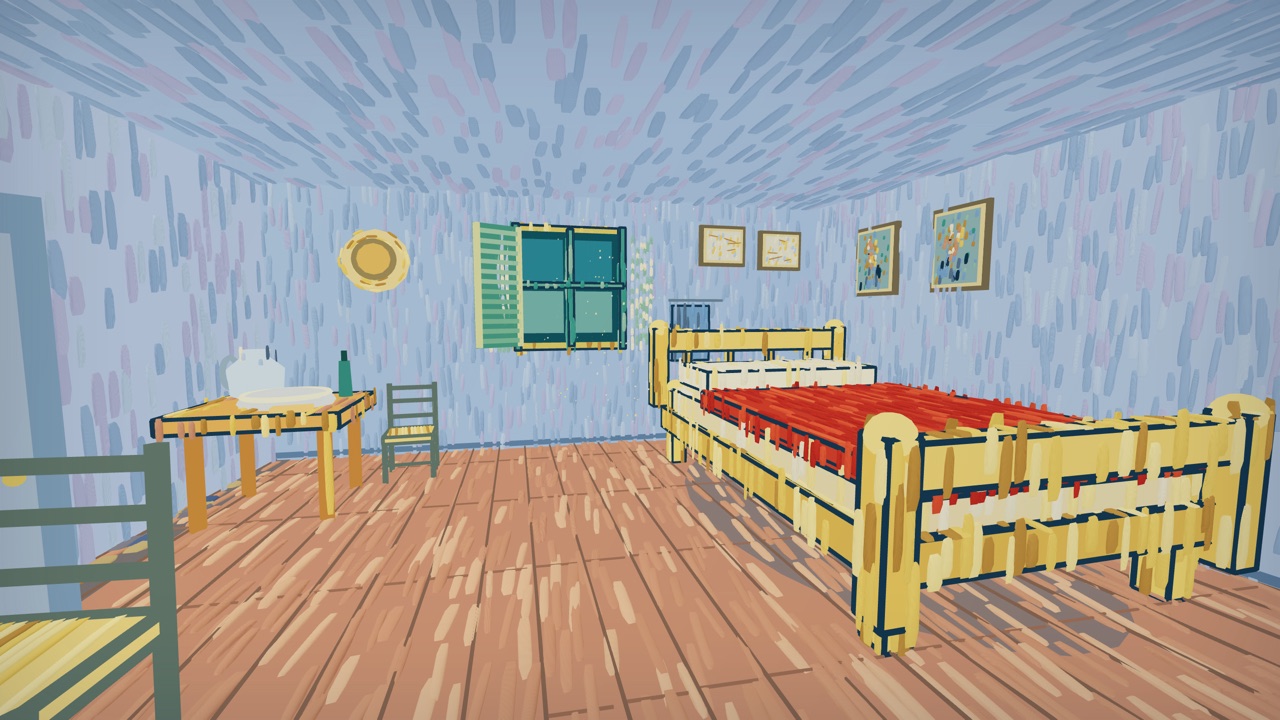
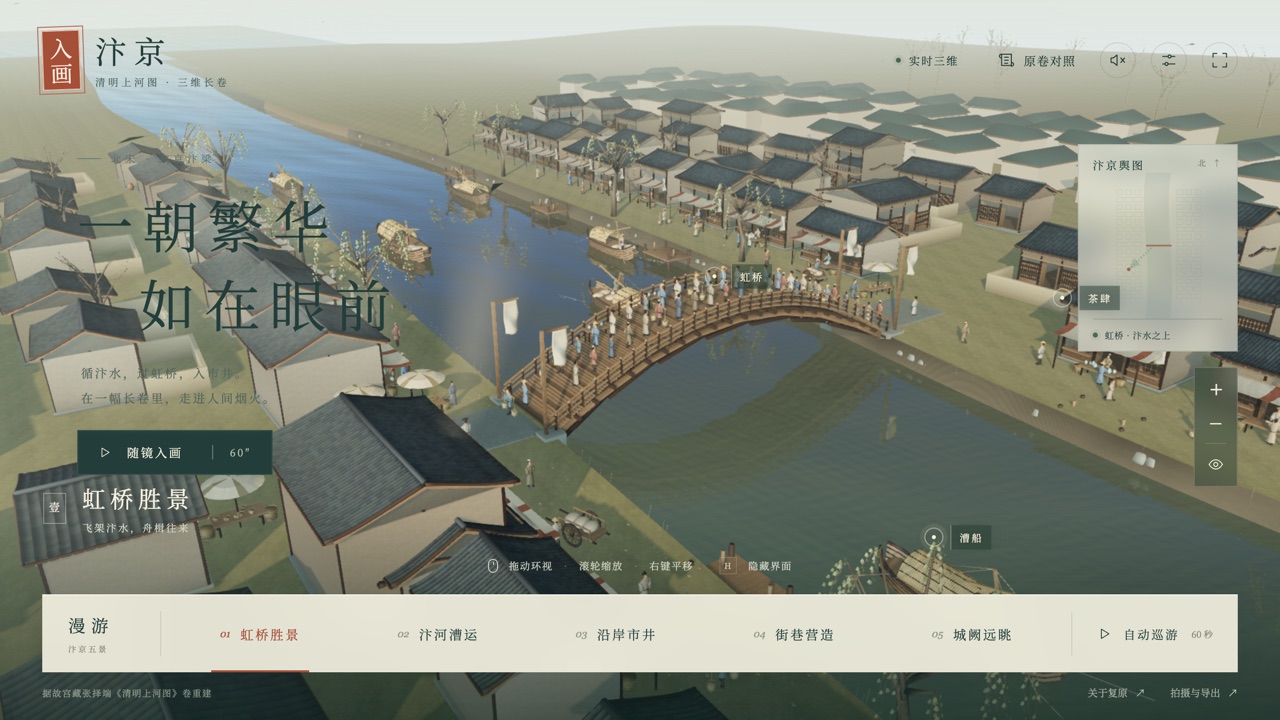
Into the Painting · Bianjing and Van Gogh Town are this collection's other 3D recreations of a real place — a Song-dynasty scroll and a set of Van Gogh paintings rather than a real theme park. For this collection's other honestly-labeled unofficial fan tributes to a licensed or trademarked property, see King Kai Planet (Dragon Ball) and Optimus Prime · Mechanical Archive (Transformers).
Frequently asked questions
- Is this official Disney content?
- No. It's an unofficial fan-made recreation with no affiliation with or endorsement by Disney or the Oriental Land Company, which owns and operates the real Tokyo DisneySea.
- Can I walk through it like a first-person scene?
- No — the camera is drag-to-orbit and scroll-to-zoom over the island from above, not a walking viewpoint, though zooming goes all the way down to street level.
- Does it work on a phone?
- Yes. Drag becomes a one-finger orbit and pinch replaces scroll-to-zoom, and the layout reflows to phone width. It does need a browser with WebGPU support, which is inconsistent on older iOS Safari versions.
- How much of the park is actually modeled?
- All eight real areas, including Fantasy Springs (opened in 2024), with 33 individually named real attractions labeled in their correct locations — not just one section or a single postcard view.
- What can I do besides look around?
- Toggle day and night lighting, show or hide attraction-name labels, go fullscreen, and right-click (or long-press) anywhere to drop a commented pin, saved only in your own browser and exportable as JSON.
- Is Tokyo DisneySea free to play?
- Yes. Everything on Floating Arcade is free, with no account, ads or downloads.
- Can I embed this game on my own website?
- Yes — copy the snippet below. The embedded player links back here, which is how we ask to be credited.
Embed Tokyo DisneySea on your site
Paste this where you want the game to appear: