A seeded, explorable ocean: start floating in stormy or sunlit waves, then dive through a coral reef, a kelp forest and open water down a canyon to a 1,400-metre vent field, with 25 generated creature types, a field journal and sliders for terrain, life, water and weather. Ethan Mollick's expansion of an open-source ocean and storm simulator by another author, with no goal and nothing to win.
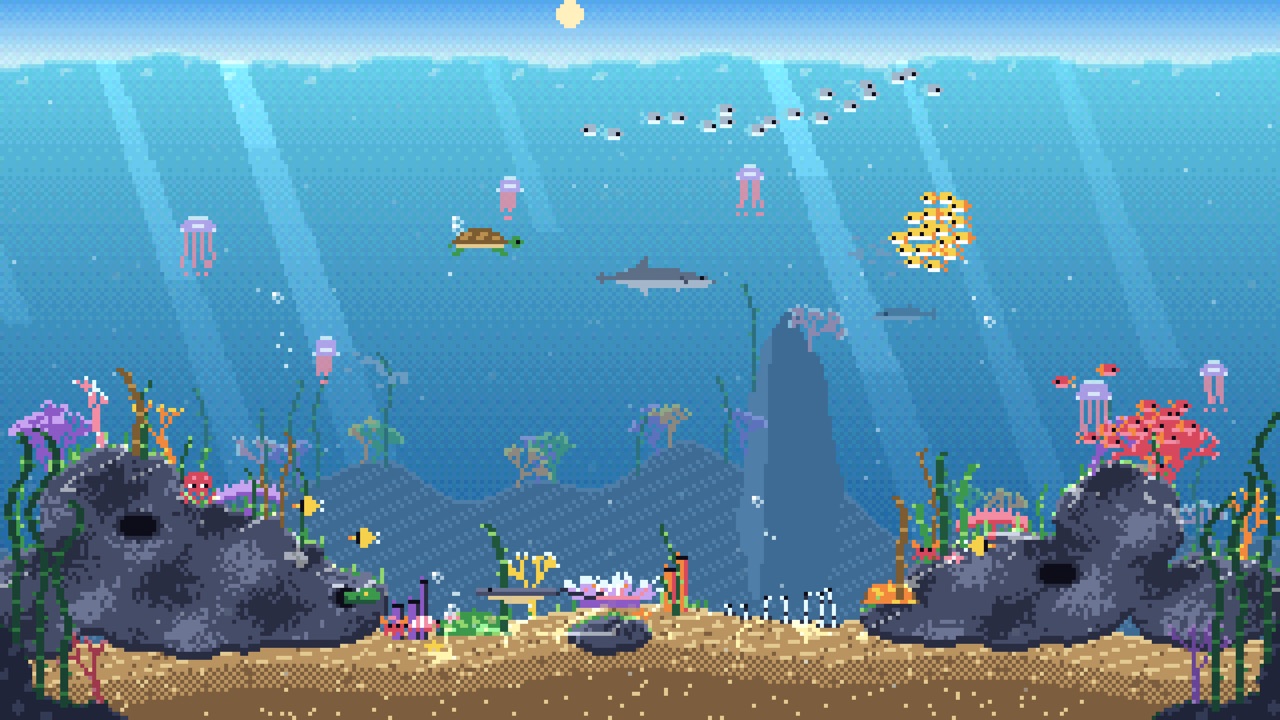
ABYSSAL: The Living Deep is an ocean you can grow from a number. It opens with you floating at sea level in a heaving, cloud-filled swell, and one button, Dive into the reef, takes you down through the waterline into a coral shelf, a kelp forest, open water with a whale in it, and a canyon that drops to a 1,400-metre field of hydrothermal vents. It runs entirely in the browser and there is nothing to win: you look, swim, watch animals and move sliders.
The page is Ethan Mollick's (@emollick), and his announcing post says what he did: he gave GPT-6 Astra an existing open ocean-surface storm generator and asked it to build the rest of the ocean, including procedural simulations of animal behaviour. The surface half, with its FFT waves, volumetric clouds, rain, lightning and weather, is not his. The repository README calls the project an expansion of ABYSSAL by Token-Gremlin, keeps that author's MIT licence and copyright line, and credits the upstream repository. Everything under the waterline is what was added.
The repository is public at emollick/abyssal-living-deep. It does not say which model or tool wrote the new code: the only claim about GPT-6 Astra is the post. The four inherited upstream commits carry a Co-authored-by trailer naming Cursor, and Mollick's ten commits carry none.
How to play ABYSSAL: The Living Deep
- Give it time to start. On a laptop with a real GPU the page sits on a dark ABYSSAL loading screen for roughly nine to eleven seconds while it compiles shaders and bakes textures, then fades into the sea. It needs WebGL2 with floating-point render targets.
- You begin in Drift, a slow automatic camera. The top bar has Ascend and Descend (continuous travel up into the air or down toward the vents), Explore, World lab and a help button. The right edge shows depth in metres against a ruler marked Surface, 200 Twilight, 600 Lower twilight, 1,000 Midnight and the vent field. Four links along the bottom, The reef, Kelp forest, Open ocean and The deep, move you between habitats (keys 1 to 4).
- Choose Swim (or press F) to take over. Drag to look, W A S D to swim in the direction you are facing, Q and E for down and up, Shift for speed, wheel to zoom. On a phone, Swim shows four hold-to-move buttons and a touch drag turns the view. Observe (O) puts a marker on an animal in view; Follow animal makes the camera trail it, and after a moment it is written into a Field journal (J) with the depth and seed of the first sighting, kept in your browser's local storage.
- Explore (C) opens a round map of the whole 2.2-kilometre ocean with eleven further destinations, such as outer coral ridges, far reef gardens, an eastern vent belt and a basalt plain, and a Travel there button. World lab (G) has four tabs. World holds the seed, a New seed button, Copy world link and dials for terrain relief, living cover, kelp height and habitat scale. Life has abundance, hunters, bottom dwellers and jellies. Water has clarity, current strength, bioluminescence, the dive light and an off-by-default ocean sound switch. Weather has Day, Dusk, Storm and Night presets, sliders for sun, cloud, wind, swell and storm, and buttons for a rogue wave, whirlpool, tsunami, lightning, waterspout and hurricane.
- The address bar is the other control panel. The plain address opens at sea level over the default seed 713. The link in the announcing post adds site=reef, seed=713, light=day and surface=1, which lands in the same place. Other values I loaded: site=blue, site=kelp, site=deep, light=storm, light=dusk, light=night, depth=600, seed=82017 and glow=1.5. The README lists more, including place=, lamp=, preset= and adaptive=0.
Controls: Drift is the default, a slow automatic camera. Choose Swim (or press F) to take over: drag to look, W A S D to swim, Q / E for down / up, Shift to go faster, wheel to zoom. G opens the World lab, C the ocean chart, O observes an animal, J opens the field journal, 1 to 4 jump between the four habitats and H hides the interface.
Click Fullscreen above the game for the largest play area. If the game does not load, use Open in new tab to play it directly from our copy.
Why it's worth your time
Same seed, same ocean. Seed 713 gave the same reef layout and the same count, "4,313 animals loaded", on two separate visits, and the R key drew a new random seed (I got 899734, with 4,289 animals). The README says terrain tiles are seeded from world coordinates so a place you return to comes back the same. Animal positions move with time, so the frame you see is not repeatable, only the world under it.
The habitats connect. Sea, reef, forest, open water and vents are one continuous landscape, and the sunlight, colour and depth of field change as you go down. The best frames are the humpback whale and ocean sunfish under light shafts in Into the blue, and the near-black vent garden at about 1,430 metres, where only lit patches of seabed and small crabs, isopods and brittle stars show. Storm mode from underneath is dark and murky, and from the surface it is heavy swell, streaked rain and low cloud.
The animals are not decoration. The README describes 25 generated creature types with their own anatomy and movement, schools that keep spacing and scatter when a hunter or diver comes close, and reef fish that pause to feed. In use the Observe card names the animal, its state (the reef shark I followed read "Cruising") and its distance. I did not test the schooling rules beyond watching them; treat that detail as the author's description.
It is heavy. On an Apple M4 laptop at 1280 by 720 in a real (headed) browser, with other jobs running, the surface scene ran at about 14 to 22 frames per second, reef and kelp at about 18 to 23, and the deep at 30 to 45. Adaptive quality quietly lowers the render resolution to hold that, and clouds turn visibly blocky. Forcing the high preset with adaptive scaling off dropped it to about 14. The README says desktop graphics are recommended and phone performance is not guaranteed; phone-size emulation on the same laptop ran near 30, which says nothing about a real phone.
Nothing is fetched: all geometry, textures, sky and sound are generated in JavaScript and GLSL, and the mirror here is about 1 MB of script plus a 1.7 MB social preview image that the page's metadata points at. I did not listen to the ocean sound; it is off at the start and the README says it is synthesised, with no recordings. I found no analytics or counters in the live page or the mirror.
Every catalogue entry here was found through Tripo's GPT-6 Astra prompt collection at tripo3d.ai/3d-prompts/models/gpt-6-astra, and this one is listed there as a procedural living ocean and storm simulation. The credit for the ocean simulator belongs to its upstream author, Token-Gremlin, and for the underwater world to Ethan Mollick's repository.
How it was made and where it lives
Hosted on Netlify. The author publishes as emollick. Original: https://abyssal-living-deep.netlify.app/. The Play button above runs our own unmodified copy, so the game keeps working here if that page goes down — which on free hosting usually has nothing to do with the author. Nothing about the game itself is changed, and the original stays linked from every page.
The post that led us here
Ethan Mollick@emollickI gave GPT-6 Astra this very cool open single file ocean surface storm generator and asked it to create the rest of the ocean, including procedural simulations of animal behavior. Fun time to create.
If you like ABYSSAL: The Living Deep, try these
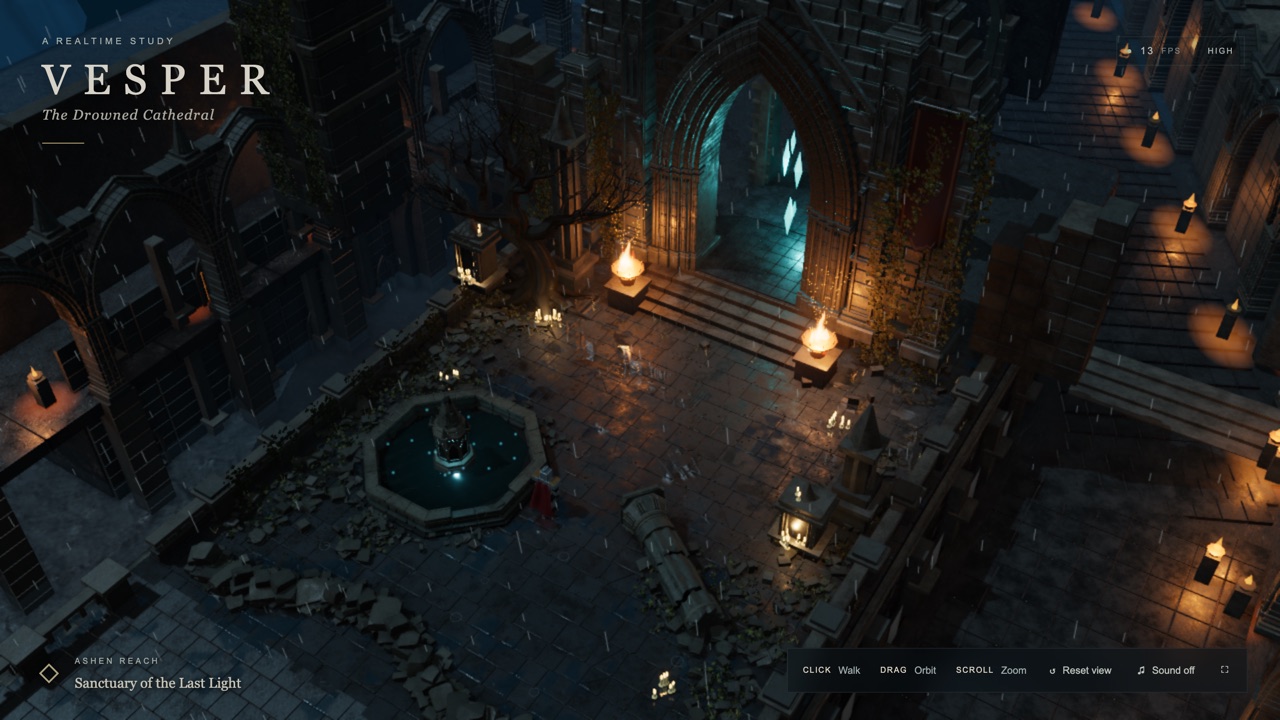
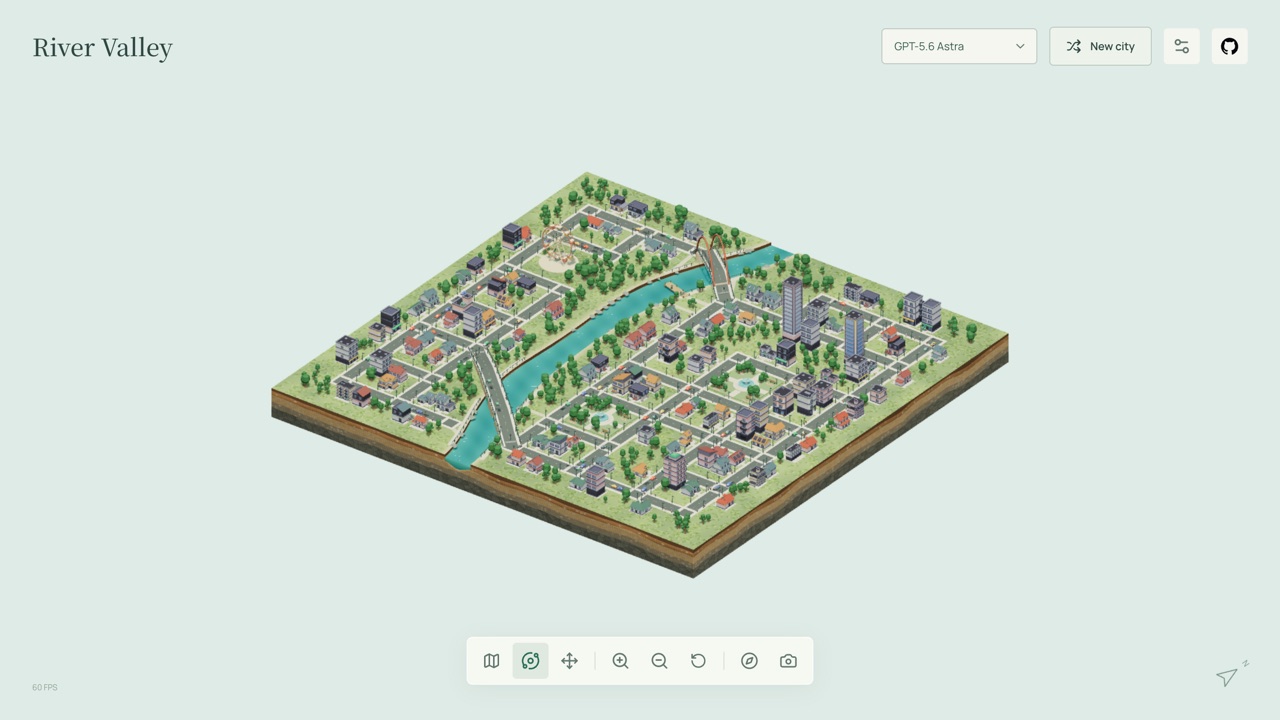
City Atlas is another seed-driven world you generate and orbit with no goal, a city instead of an ocean. Vesper is a single rain-lashed, half-flooded 3D scene, closer in mood if you prefer something you can just look at.
Frequently asked questions
- Is this a game?
- No. There is no score, timer or way to lose. You explore, watch animals and change settings.
- Who made it?
- Ethan Mollick, in his own repository and on his own Netlify site, built on the open-source ABYSSAL ocean and storm simulator by Token-Gremlin. Both are MIT licensed. The announcing post says he had GPT-6 Astra write the rest of the ocean and the animal behaviour.
- Do the links with ?site= and ?seed= work in this copy?
- Yes. The page reads its settings from the address, so adding them to this page's own address works exactly as on the original: site (reef, kelp, blue or deep), seed, light (day, dusk, storm or night), depth and the weather and life dials the README lists.
- Will it run on my computer or phone?
- It needs WebGL2 with floating-point render targets and it is demanding. A recent laptop GPU gave 15 to 45 frames per second here. Phones are supported with touch controls but the author does not promise performance.
- Is the source available?
- Yes: github.com/emollick/abyssal-living-deep, MIT licence, with the upstream project credited in the README.
- Does it save anything?
- Only the Field journal, in your browser's local storage under this site's address. Nothing is sent anywhere.
- Is ABYSSAL: The Living Deep free to play?
- Yes. Everything on Floating Arcade is free, with no account, ads or downloads.
- Can I embed this game on my own website?
- Yes — copy the snippet below. The embedded player links back here, which is how we ask to be credited.
Embed ABYSSAL: The Living Deep on your site
Paste this where you want the game to appear: