A small 3D office on top of a tower, where each desk is a robot standing for one AI lab's best model. A job moves through five rooms, and each room's speed comes from a real public benchmark score read live from airace.lol, so you can see which lab would finish first, and why no single lab wins every room.
The AI Office is a small 3D office floor on top of a tower, where every desk is a real AI model. Robots in headphones sit at the desks, each wearing one lab's logo (Anthropic, OpenAI, Google, Meta, Moonshot AI and others) and a tag with that lab's best model and its score. A job, shown as a stack of folders, travels through five rooms: Research, Design, Engineering, Operations and Management. Each room passes it on as soon as its fastest desk is done, and a clock adds up how long the whole job took.
The speeds are not invented at random. Each room is judged by one public benchmark: Research by Artificial Analysis's Intelligence Index, Design by Design Arena's Elo rating, Engineering by the Coding Index, Operations by the Agentic Index (those three also from Artificial Analysis, via OpenRouter), and Management by Epoch AI's Capabilities Index. A higher score means a faster robot. The page is open about the rest: in its own words the scores, models and labs are real, but the seconds are made up, only there to make the gaps easy to see.
It is by Ryan Sael (@RyanSael on X), part of his lab.sael.net collection of single-page Three.js projects, and it reads its scores from airace.lol, another site of his that turns AI benchmark and release data into races. His post announcing it is quoted in the box under this write-up. Neither the page nor the post says which AI model or tool, if any, helped build it, so we do not say either. It is a viewer, not a game: nothing is scored for you and you cannot lose.
How to play The AI Office
- Open it and it starts on its own: the first job, Build an MVP, begins and an automatic camera follows the folders from room to room. A card at the top right narrates each step ("Design · 3 tickets", which model leads, the two top scores and the gap between them), and the bar at the bottom lights up each room in turn with the seconds it took.
- The five jobs along the top (Build an MVP, Ship a feature, Redesign the app, Market report, Automate the ops) differ only in how many tickets each room has to clear. A market report is six research tickets and one engineering ticket; shipping a feature is six engineering tickets. So the job decides which benchmarks matter most. Click one, or press 1 to 5. When a job ends the card shows the result and then the next job starts by itself.
- The list on the left, "If one lab ran the whole office", is the main idea. Each row times the current job with one lab at every desk. Best mix, at the top, takes the top lab in each room instead, so it is always the fastest. Click a lab and it is seated in every room, and the narration tells you how much later it hands in (for example "Mistral sits at 14.2 and hands in 3.0 s later" in Research). Only labs with a score in all five benchmarks are listed; there were twelve on the day we looked.
- "How it works", under the list, opens a short explanation with a table of each room, its benchmark and today's top model. The camera is yours whenever you want it: drag to orbit, right-drag or Shift-drag to pan, scroll to zoom, W A S D or the arrow keys to move and Q and E to turn. C switches between the cinematic camera and one that follows the job, R or a double-click resets the view, X cycles the playback speed through 1x, 1.5x, 2x and 0.5x, and Space runs the job again. There is no sound.
- On a phone the page drops the ranking list and the long description to make room: you get the job buttons, the narration card, the room-by-room progress bar and its camera, speed and replay buttons. So you can watch any job and move the camera with a finger, but you cannot pick a lab.
Controls: It runs by itself. Click a job at the top, or press 1 to 5; Space runs the job again; click a lab in the list to seat it at every desk. Drag to orbit, right-drag or Shift-drag to pan, scroll to zoom, W A S D or arrows to move, Q and E to turn; C switches between the automatic cameras, X changes playback speed (1x, 1.5x, 2x, 0.5x), R or a double-click resets the view. On a phone, one finger orbits; per the page's code, two fingers pinch to zoom and pan (not tested).
Click Fullscreen above the game for the largest play area. If the game does not load, use Open in new tab to play it directly from our copy.
Why it's worth your time
Live data, and what happens without it. Every time the page opens it asks airace.lol for its current score file (race.json, about 180 KB). If that takes longer than three and a half seconds or fails, the page falls back to a snapshot built into its own file, and the header of the ranking list tells you which one you are looking at: "live · 2026-09-21" or "snapshot · 2026-09-20" on the day we tested. Our copy works the same way: it fetches the same live file from airace.lol, so its numbers change when airace.lol's do, and with no connection it shows the snapshot. We checked both.
What it said on 21 September 2026. Claude Fable 5.1 led Research (53.4), Engineering (81.6) and Operations (57.9); Meta's Muse Spark 1.3 led Design (1,427, two points ahead of Claude); GPT-6 Astra led Management (166.3 against 164.5). For Build an MVP the best mix took 21.8 simulated seconds and an all-Anthropic office 21.9, then OpenAI 23.0; Mistral, last of the twelve, took 56.0. They will move as the benchmarks update.
How the clock works, from the page's code: a ticket takes 0.8 seconds for the top scorer in a room, and longer for others in proportion to how far their score sits above that benchmark's lowest score, with a floor so that no desk is hopelessly slow; moving between rooms adds 1.5 seconds.
It is small and quick. The whole thing is one 196 KB HTML file that loads Three.js 0.183 and a few add-ons from the jsDelivr network and three Google fonts, about 2.5 MB in all, with no models or textures to download; the robots, furniture and city are all built in code. It uses post-processing (ambient occlusion, bloom and depth of field) for its warm late-afternoon look. On our test Mac it ran at 60 frames a second at 1280 by 720 and in an emulated phone.
What we changed in our copy. The original page counts visitors with the author's own Umami analytics and shows a live "watching" count read from it; the Cloudflare host adds its own beacon too. Our copy does not load those, so the watching badge stays hidden. Three.js and the fonts are stored with the copy. The live score file is deliberately not copied, so that the rankings stay current, and nothing else was modified.
We did not find a licence or a public source repository for the page, so treat it as Ryan Sael's work, shown here with his post linked. The benchmark scores belong to the organisations that publish them (Artificial Analysis, Design Arena, Epoch AI), and the lab logos are those labs' own.
How it was made and where it lives
Hosted on the author's own page. The author publishes as RyanSael. Original: https://ai-office.lab.sael.net/. The Play button above runs our own unmodified copy, so the game keeps working here if that page goes down — which on free hosting usually has nothing to do with the author. Nothing about the game itself is changed, and the original stays linked from every page.
The post that led us here
Ryan Sael@RyanSaelI put every top AI model in one office and made them build stuff together.
https://ai-office.lab.sael.net/
every desk is a real model.
live benchmark scores decide how fast each one works.
your favorite model isn't the best at everything. which one would you hire?
If you like The AI Office, try these
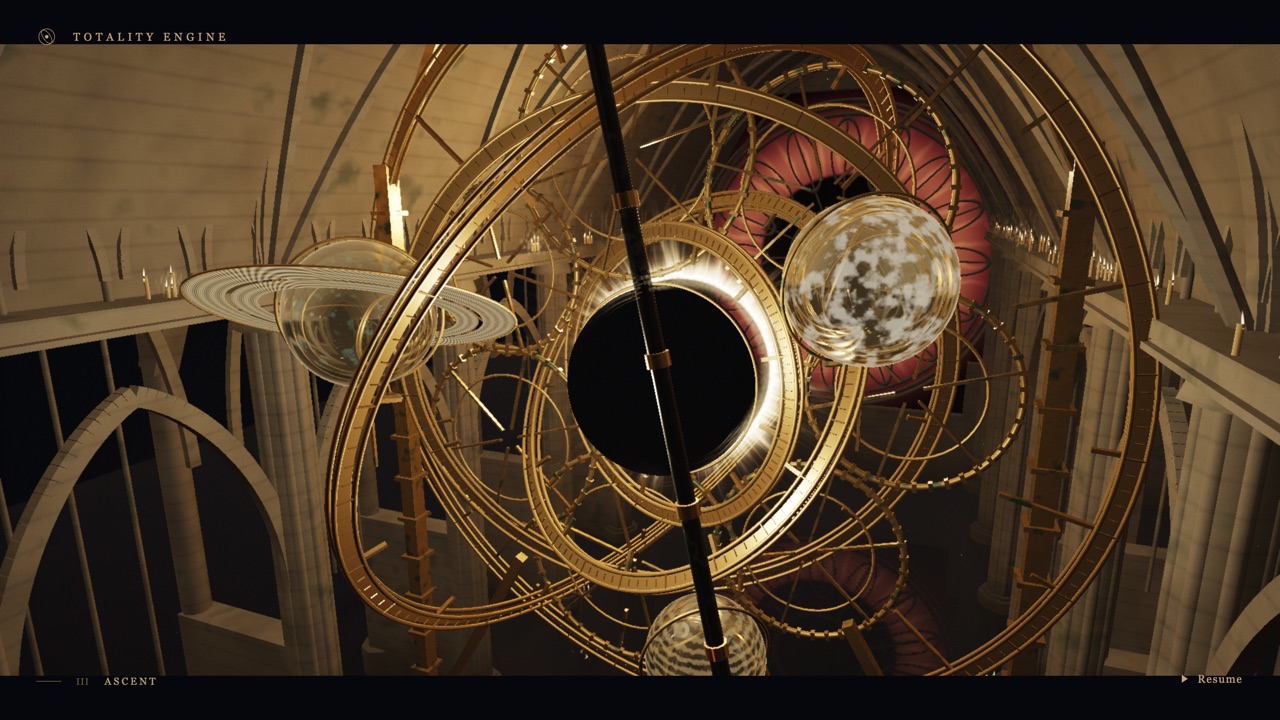
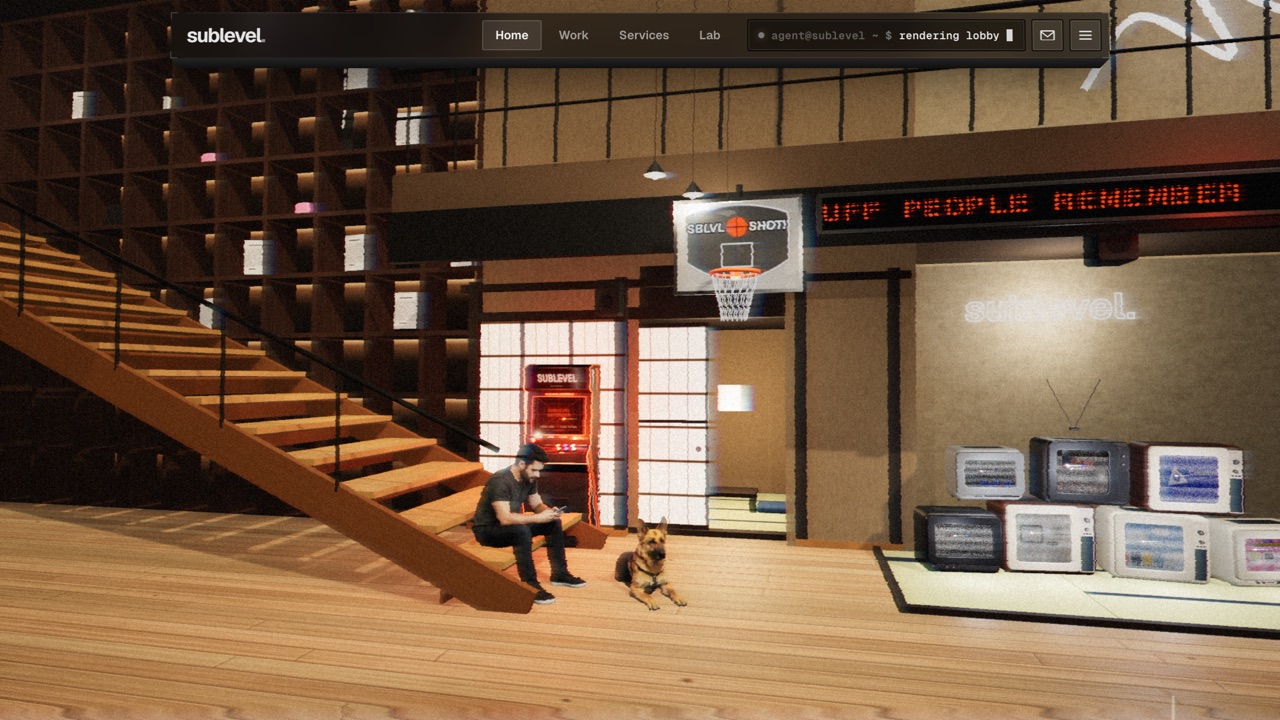
For another single-file Three.js interior you can orbit, try Sublevel Studio, a design studio's lobby built as a 3D scene. If you like pages that play by themselves while you move the camera, Totality Engine is a 32-second real-time film.
Frequently asked questions
- Is this a game?
- No. It is an animated chart in the shape of an office. You pick a job and, on a desktop, a lab, and watch how long the office takes; nothing is scored for you and there is nothing to win.
- Are the scores real?
- Yes. They come from Artificial Analysis, Design Arena and Epoch AI, collected by airace.lol and read live when the page opens. The seconds are not: the page turns each score into a speed only to make the differences visible.
- Does it update?
- Yes, as long as airace.lol is reachable. The date next to the word live in the ranking list is the date of the data. If the file cannot be fetched, the page says snapshot instead and uses the copy built into it.
- Does it work on a phone?
- It loads and runs smoothly in an emulated phone, and you can switch jobs and move the camera. The ranking list is hidden on narrow screens, so you cannot seat a lab in every room there.
- Who made it, and with what?
- Ryan Sael (@RyanSael), who also runs airace.lol. He has not said which tools or AI models he used to build it, and the page does not say either.
- Is The AI Office free to play?
- Yes. Everything on Floating Arcade is free, with no account, ads or downloads.
- Can I embed this game on my own website?
- Yes — copy the snippet below. The embedded player links back here, which is how we ask to be credited.
Embed The AI Office on your site
Paste this where you want the game to appear: