A small Three.js showcase of one Blender model: a pale-blue sphere held inside two crossing dark rings on a metal disc, turning slowly against a dark blue grid. You can rotate and zoom it and switch between Orbit, Pulse and Still modes. The author's own page, MIT-licensed, with a Chinese interface.
Orbital Core Showcase is a single 3D object on a dark stage, and nothing else. A pale-blue sphere, the "energy core", sits inside two dark metal rings that cross at right angles, on a round metal platform with a blue glow underneath it. Behind it is a navy background with a faint grid and a few thin concentric circles on the floor. The whole thing turns slowly by itself, and you can grab it and turn it yourself. It is a viewer, not a game: there is no score, no goal and nothing to win.
It is the original creator's own page, not a recreation. The live site and its public GitHub repository are under the name Wang Ruofeng (the repository is MIT-licensed), and the post that announced it comes from the X account @oneruofeng. The post says he made it with GPT-6 Astra, Blender and Three.js, going from a local 3D model to a deployed interactive website in under half an hour. The 3D model is his own Blender file, exported to a 354 KB GLB and loaded by a 147-line Three.js script.
The page is written in Chinese. The headline reads "能量不被容纳。" (roughly "Energy is not contained.") and the caption under it says "A glowing core cut by two orbits. Drag it, and watch how a still object reveals its own gravity." Everything you actually use, the three mode buttons and the footer hint, is a word or two of Chinese, and the meaning is easy to guess once you know them (see below).
How to play Orbital Core Showcase
- Open the page and the model is already turning. Drag with the mouse (or one finger) to rotate the camera around it; the motion has some inertia. Scroll the wheel, or pinch on a touchscreen, to zoom. Zooming is limited: you cannot get closer than a little under half of the starting distance, so the sphere fills much of the window at the nearest point, and you cannot go far enough away to lose it. There is no panning.
- Three buttons at the bottom left change what the scene does on its own. 轨道 (Orbit, the default) makes the camera drift slowly around the object while the model itself also turns, at roughly one lap of the camera every 80 seconds. 脉冲 (Pulse) stops the camera drifting, makes the model spin about three times faster, and makes the whole thing swell and shrink by about 4 percent, roughly three times every four seconds, while the blue side light brightens and dims in step. 静止 (Still) stops all motion; drag and zoom still work, so this is the mode for studying it.
- Drag and wheel only work when they start over the picture, not over the text. The headline and caption occupy the left third of a desktop window, and a wheel turn or drag that starts on them does nothing. On a phone, the headline block sits right over the middle of the model, so start the drag lower down or off to the side. Buttons and their neighbours work normally.
Controls: Drag to rotate (one finger on a phone), wheel or two-finger pinch to zoom. The three buttons switch between Orbit, Pulse and Still. The SIGNAL toggle only changes its own label.
Click Fullscreen above the game for the largest play area. If the game does not load, use Open in new tab to play it directly from our copy.
Why it's worth your time
The readouts are decoration. On desktop a small panel on the right shows STATUS: ACTIVE, CORE FREQUENCY and ORBIT OFFSET. The frequency is a sine wave in the code that moves between 48.2 and 49.5 THz, faster in Pulse mode, and it is not measured from anything. The orbit offset is just the model's own turning angle in degrees, so it keeps rising, and dragging the camera does not change it. That is not a criticism; it is how the page gets its instrument-panel look. It is worth knowing so you do not look for a meaning in the numbers.
The SIGNAL / OFF toggle at the bottom right flips its label to SIGNAL / ON and back, and does nothing else. There is no sound in the page, in the code or in the files. A small "DRAG TO EXPLORE" ring label floats beside the base whenever the pointer is off the picture.
How it looks. The core does not read as a light source: it is a pale, slightly matte blue ball lit from the side by two soft highlights, and there is no bloom or glow spilling around it. The glow comes instead from a bright blue edge line on the rings and a blue pool of light on the platform beneath. The code swaps the original Blender material for its own emissive blue one. This is a clean, quiet render, not a spectacle. Getting close shows the rings are plain smooth tubes and the base is a single smooth disc.
Performance. It ran at a steady 60 frames per second in a normal desktop window and in a 390x844 phone emulation, on a desktop graphics card. The scene is one small model with three lights and a floor, so a phone should cope, but that is one machine, not a benchmark. If the model file fails to load there is no error message: the page marks itself as failed but has no style for that, so you would see an empty dark stage. We did not see that happen.
The source matches the live page. We compared the live bundle and the model file with the public repository (the GLB is byte-identical, and the constants in the code match what the page does). The repository also carries the original Blender file and the small script that exports it. The README lists the features it delivers: local GLB, drag and wheel, three modes, responsive layout. That matches what we found.
The timing claim is his: the post says "under half an hour", and the repository has two commits dated 6 September 2026, the second 15 minutes after the first (the scene, then the README and licence), the same day as the post. We cannot check how long the work took.
Size and offline use. The whole page is about 1.1 MB: a 612 KB script that includes Three.js, the 354 KB model, and two fonts (DM Mono and Playfair Display) that the original fetches from Google Fonts. Our copy includes the model and the fonts and works offline. The original needs a network connection for the fonts, though it would still draw without them.
How we found it. Every entry in this catalogue was found through Tripo's GPT-6 Astra prompt collection, and this one is listed there as "Interactive dual-ring energy core showcase". The credit is the creator's; the page and code are his own.
How it was made and where it lives
Hosted on a Cloudflare Workers page. The author publishes as oneruofeng. Original: https://orbital-core-showcase.wangruofeng007.workers.dev/. The Play button above runs our own unmodified copy, so the game keeps working here if that page goes down — which on free hosting usually has nothing to do with the author. Nothing about the game itself is changed, and the original stays linked from every page.
The post that led us here
ruofeng@oneruofengUsing GPT-6 Astra + Blender + Three.js, I took a 3D asset from a local model to an interactive website, deployed and live, in under half an hour. The process is short: 1. In Blender, create the energy core, the double ring and the metal base. 2. Export as GLB, keeping the model and material structure. 3. With Three.js…
If you like Orbital Core Showcase, try these
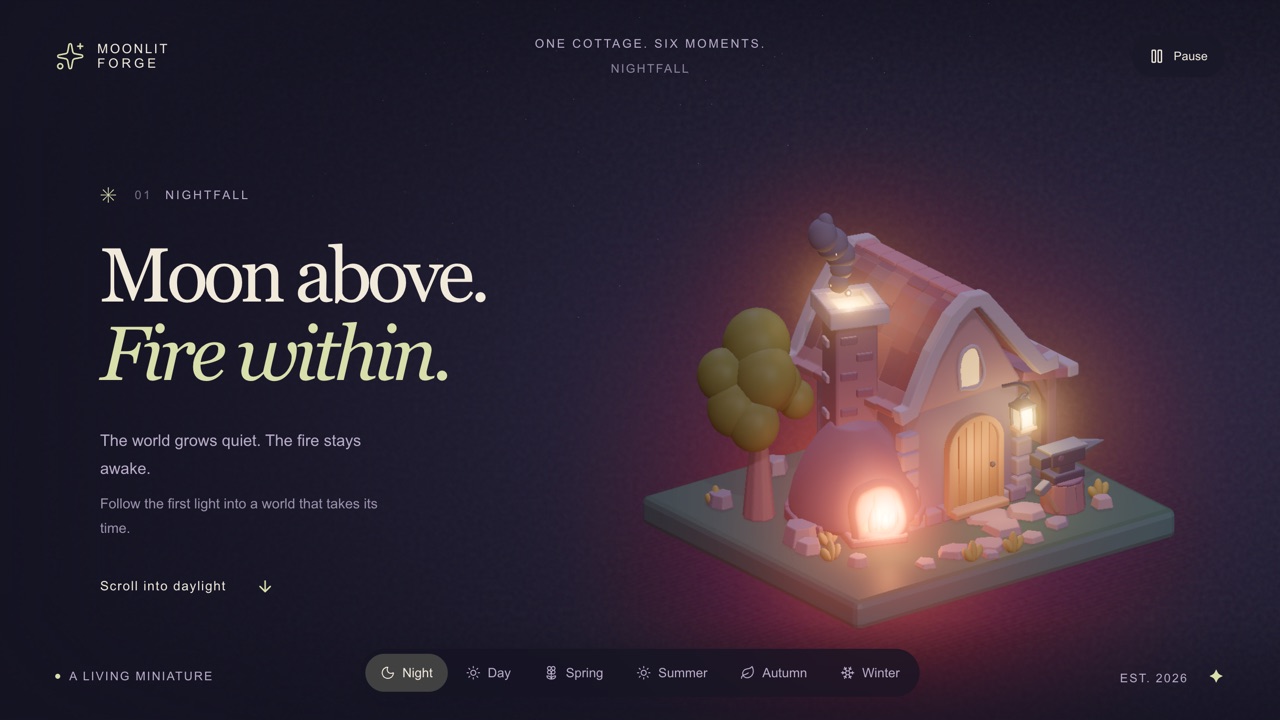
For another single 3D object made through a Blender-to-Three.js route, try Moonlit Forge, which is a small cottage diorama you scroll through. For another dark, wordless scene you can disturb by dragging, see Orbital Garden.
Frequently asked questions
- Is this a game?
- No. It is a viewer for one 3D object: you can rotate and zoom it and switch its motion mode, and that is all. There is no score or goal.
- What do the three buttons do?
- 轨道 (Orbit) keeps the camera drifting around the model, 脉冲 (Pulse) spins the model faster and makes it swell and shrink about four percent, and 静止 (Still) stops all motion so you can rotate it by hand.
- What are the numbers on the right?
- Decoration. The core frequency is a sine wave between about 48.2 and 49.5 THz, and the orbit offset is the model's own turning angle. Neither is measured from anything.
- Does the SIGNAL button play sound?
- No. It only changes its own label between OFF and ON. There is no audio in the page.
- Does it work on a phone?
- Yes, in the emulated phone we tested: one finger rotates and two fingers pinch to zoom, and nothing overflows. The headline block covers part of the model, so a touch that starts on the text will not rotate it, and the readout panel is hidden at phone widths.
- Who made it, and can I reuse it?
- Wang Ruofeng, who posts as @oneruofeng on X. His GitHub repository is public and MIT-licensed, so the code and the Blender model can be reused under that licence. The mention of GPT-6 Astra and the half-hour claim come from his post.
- Does it work offline?
- Our copy does. The original loads its two fonts from Google Fonts, so it needs a connection for those.
- Is Orbital Core Showcase free to play?
- Yes. Everything on Floating Arcade is free, with no account, ads or downloads.
- Can I embed this game on my own website?
- Yes — copy the snippet below. The embedded player links back here, which is how we ask to be credited.
Embed Orbital Core Showcase on your site
Paste this where you want the game to appear: