A tiny undersea world in pixel art that runs by itself: three schools of fish, a shark, a turtle, an octopus, jellyfish and more, all reacting to each other as a twenty-second cycle takes the reef from sunrise to a glowing night. The author credits Claude Opus 5.5 with writing it, in one HTML file with no images.
A Day on the Coral Reef is not a game. It is a small pixel-art picture of a shallow reef seen from the side, with the surface at the top and sand and rocks at the bottom, and everything in it moves by itself. Fish swim in schools, a shark cruises across, a turtle comes up for air, an octopus creeps over the rocks, and the light goes from morning through midday and sunset to a dark, glowing night. One full day takes twenty seconds, then it starts again.
It is here because of how it was made. The author, who publishes as akiy_8, wanted to see how much a single request to an AI model could produce, and asked Claude for exactly this: a coral reef in pixel art, in one HTML file, where every creature follows its own rules and reacts to the others. The page names the model as Claude Opus 5.5, is dated 23 September 2026 and ends with a credit reading "Made with Claude". A write-up by the same person on the Japanese site Zenn, which embeds his post announcing it, says the same, and adds a detail worth having: the first request asked for a 90-second day, the author stopped it partway and sent one short follow-up asking for about 20 seconds, so the file you see was written after that follow-up and is not, strictly, the product of one prompt alone. We can confirm who the page credits, and that it is what it says it is. We cannot confirm from outside how it was made, so all of that is the author's account.
The animation is one 44 KB file. It uses no library and no image files: every fish, crab and coral is a small grid of pixels written out in the code, or generated by it. The page around it, the one the author published, is in Japanese, and so is the small readout you can switch on; the reef itself has no text at all, so you lose nothing by not reading Japanese. What you get on this site is that animation on its own, without the article around it.
How to play A Day on the Coral Reef
- Open it and it runs. There is no start button, no menu and nothing to click; the reef is already populated on the first frame, so there is no loading wait.
- Watch for a full cycle. The clock inside it runs a 24-hour day in twenty seconds, which we confirmed by reading its own readout once a second: it stepped a little over an hour of reef time each second, and went daylight, dusk, night, dawn, daylight again, and back round to dusk within the 26 seconds we timed. By the readout's own thresholds that is about three seconds of dawn, five or six of bright day, four of orange evening light and seven of night.
- Press D to show or hide the readout in the top left corner. It gives the frame rate, the time of day and a count of what is on screen: 54 small fish in three schools, six jellyfish, seven garden eels, three crabs, three shrimp, two clownfish, three butterflyfish, a shark near and one far off, a turtle, a ray, an octopus and a moray eel, plus a few dozen bubbles and about 150 specks of plankton. That is the only key the page reacts to. Clicking, tapping or pressing anything else does nothing.
- Reload for a different reef. Every creature's behaviour is driven by random numbers, so the schools, the shark's route and the moments when things go wrong for the fish are different each time. The start is fixed: the page runs the reef forward a little before showing it, so what you see first is already a settled morning.
Controls: It plays by itself. Press D to show or hide a small readout of the frame rate, the time of day and how many of each creature are on screen. Reloading the page gives a different reef, because every creature moves at random.
Click Fullscreen above the game for the largest play area. If the game does not load, use Open in new tab to play it directly from our copy.
Why it's worth your time
The creatures are not on a loop. Each follows a rule, and the rules interact. The author's write-up and the page's own list describe them, and in about two minutes of watching (six full days) we saw most of it happen. When the shark turned toward a school, the school scattered, and a few seconds later regrouped: the readout flipped from swimming to scattered and back many times. The octopus's camouflage figure on the readout climbed to 100 percent (the page says it disguises itself as rock when a shark is near), and the counter of sand and ink puffs reached 98 at once. The turtle went through cruising, rising, breathing at the surface and diving again. Garden eels sank into the sand and came slowly back out. At night the jellyfish glowed, the flashlight fish came out of their rock holes (all twelve at once, blinking), and the plankton lit up along the paths that animals had taken. We did not see the moray eel snap at a passing fish, or a clownfish retreating into its anemone, and take those two on the page's word.
It looks calm because it is careful. The picture is drawn at 320 by 180 pixels and scaled up by whole numbers, so every pixel stays a sharp square; on a 1280 by 720 window each one is a 4 by 4 block. The page says its sprites are painted from a palette of 30 colours, and that the water gradient, the time-of-day tint and the shafts of light are laid over the top, which is why the finished frame has many more. We counted 431 different colours in one frame; the author reports between about 420 and 760. Far things are drawn bluer and paler than near ones, in three layers, which is most of what gives it depth.
It is light on the machine. On our test Mac, in a Chromium browser with a real graphics chip, it held 60 frames a second in a full window (the page's own counter agreed), and an emulated iPhone 13 held 60 as well. Nothing is downloaded once the page has loaded, and it does not store anything in your browser: no settings, no scores, no cookies.
There is no sound. We found no audio code in the file and heard nothing.
On a phone there is nothing to operate, so it works, but it scales only in whole steps: on an upright iPhone 13 it drew at 320 by 180 points, a small picture in the middle of a black screen. Turned sideways (844 by 390) it doubles to 640 by 360, filling the height with black at the sides. We tested that in an emulator, not on a real phone.
What the author's own page adds, and our copy leaves out: a 20-second video of the animation (1920 by 1080 at 60 frames a second, about 30 MB, made by drawing the code frame by frame so nothing is dropped), the full prompt he used, a short account of how it was made, and links to his post and the Zenn article. The original stays linked from this page's card, so all of it is one click away.
How it was made and where it lives
Hosted on Vercel. The author publishes as akiy_8. Original: https://coral-reef-site.vercel.app/. The Play button above runs our own unmodified copy, so the game keeps working here if that page goes down — which on free hosting usually has nothing to do with the author. Nothing about the game itself is changed, and the original stays linked from every page.
If you like A Day on the Coral Reef, try these
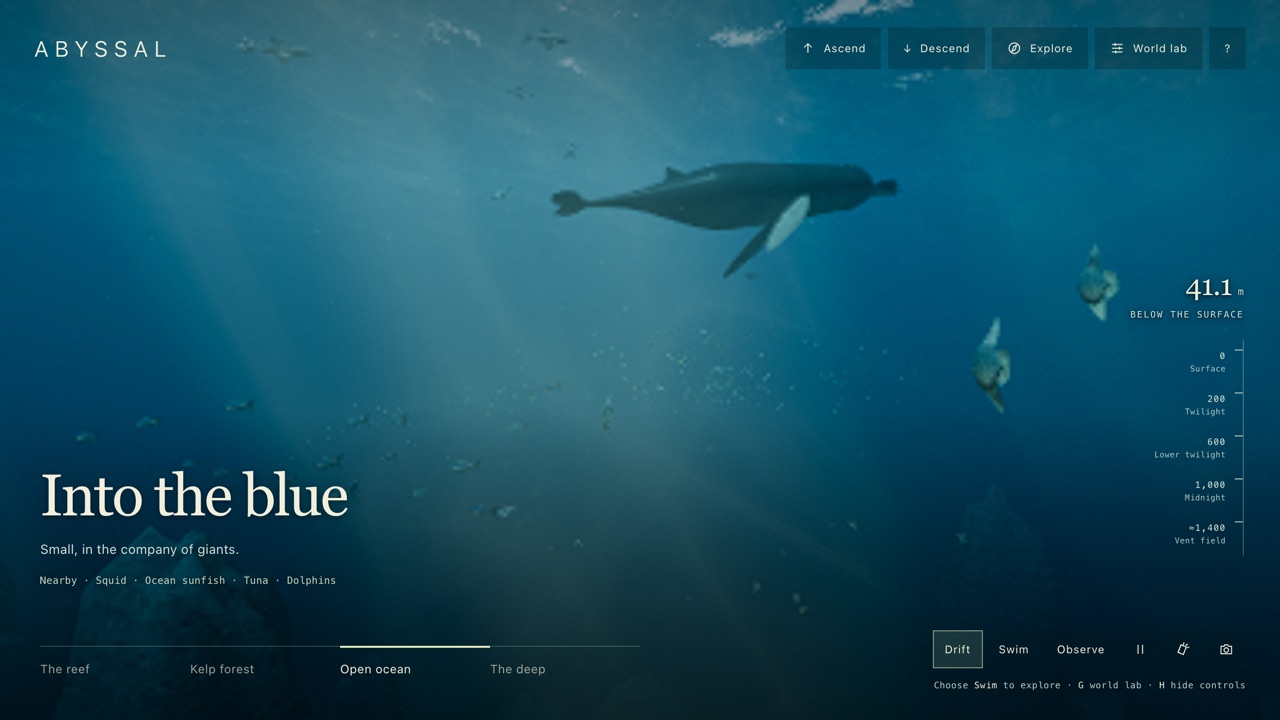
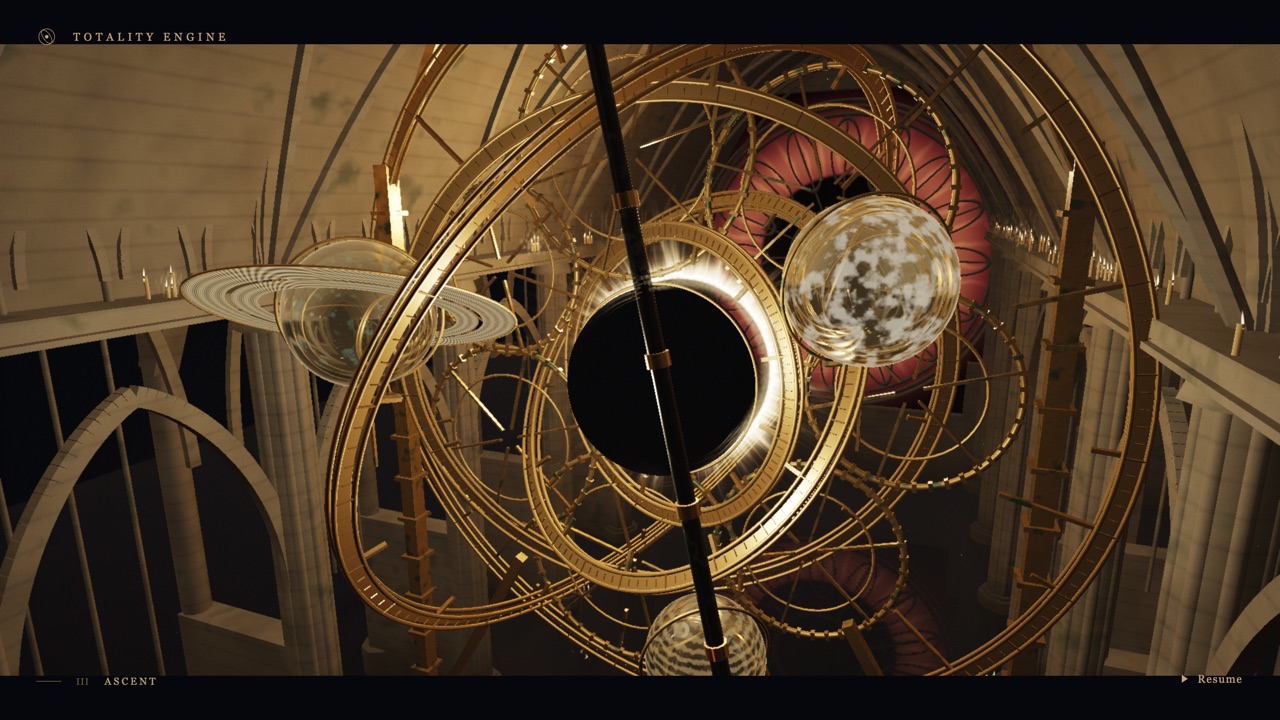
For another underwater world with more to do, ABYSSAL: The Living Deep is a seeded 3D ocean you can dive through, from the storm surface to a vent field. Totality Engine is another page that plays itself and asks only that you watch, and Orbital Garden is the one to open if you want the same unhurried mood with something to touch.
Frequently asked questions
- Is it a game?
- No. There is no goal, score or control. It is an animation you watch, and the only key it reacts to is D, for a readout.
- Does it ever repeat?
- The day repeats every twenty seconds, but what the animals do inside it does not, because their movement is random. Reloading gives a different reef.
- Who made it, and with what?
- The page credits a person who publishes as akiy_8 and says it was made with Claude, naming Claude Opus 5.5; his article on Zenn says so as well. We could not check that independently. The article also says the file came from a first request plus one follow-up, not a single prompt.
- Why is the 20-second cycle so fast?
- The first request asked for a 90-second day. The author changed it to about 20 seconds because the result was meant to be shared as a short clip.
- Does it work on a phone?
- Yes, at 60 frames a second in our emulated test, but it draws in a small fixed size, so it looks best with the phone turned sideways.
- Does it need a connection or save anything?
- It needs nothing after it has loaded and saves nothing. The page the author published around it loads Google fonts, but our copy of the animation does not.
- Is A Day on the Coral Reef free to play?
- Yes. Everything on Floating Arcade is free, with no account, ads or downloads.
- Can I embed this game on my own website?
- Yes — copy the snippet below. The embedded player links back here, which is how we ask to be credited.
Embed A Day on the Coral Reef on your site
Paste this where you want the game to appear: