A gothic cathedral courtyard at night, rain falling through torchlight and ivy: walk the stones, orbit the camera and zoom into a single realtime 3D scene rendered entirely in the browser. No score, no goal — a showcase for Dream Loop, the author's free, open-source agent skill for building scenes like this one.
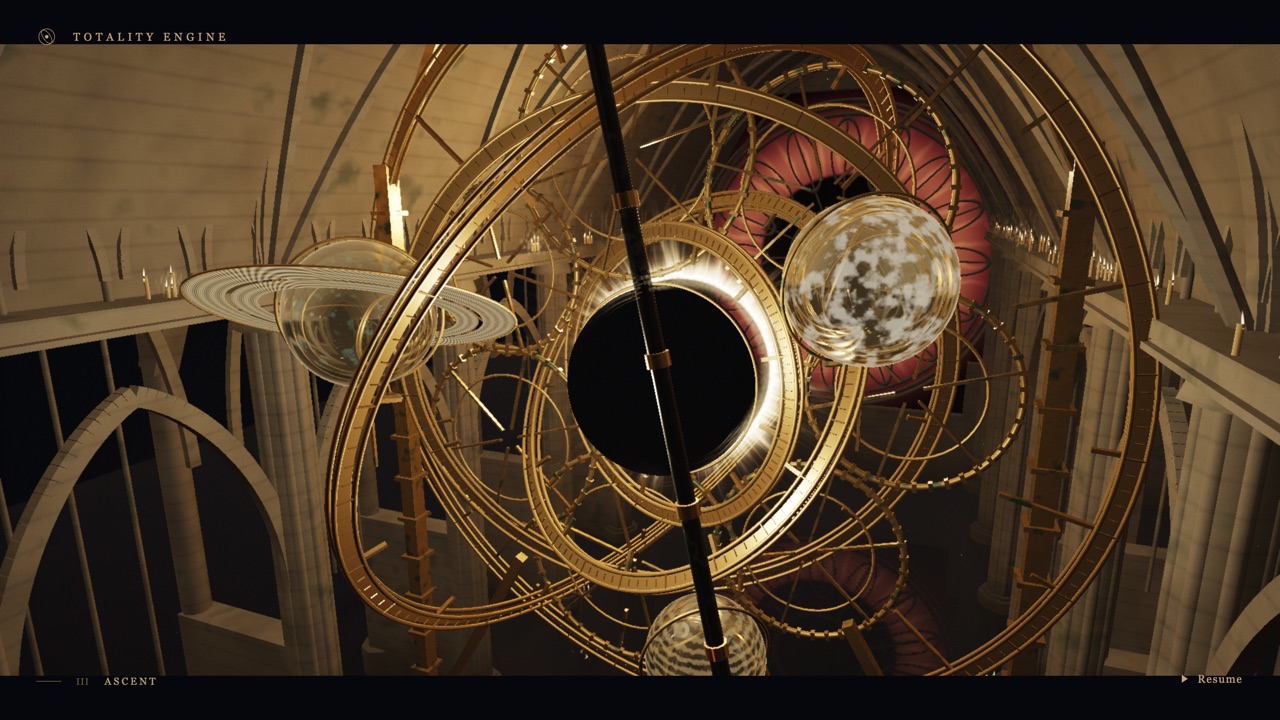
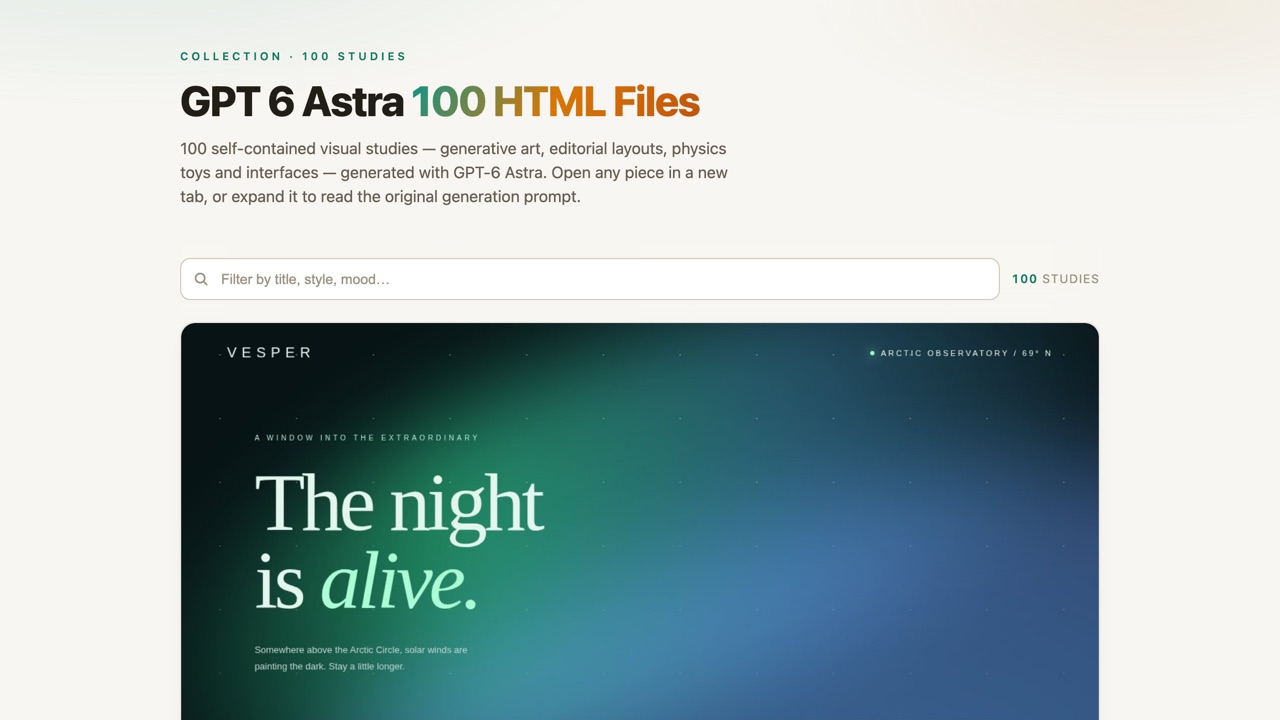
Vesper is a small, wordless 3D scene: a ruined cathedral courtyard at night, rain falling through torchlight, ivy climbing the stonework, a fountain gone still, a cracked column lying where it fell. Click a flagstone and the camera glides there on its own; drag to orbit, scroll to zoom, and a status line quietly reports your live framerate and render quality in the corner. There is no character on screen and nothing to fight, collect or finish — it is a place to walk through and look at, called The Drowned Cathedral, in a location the interface labels Ashen Reach — Sanctuary of the Last Light.
It exists to demonstrate a tool, not to be a game in its own right. Anshu Chimala (@anshuc) built it as the flagship example for Dream Loop, an agent skill he published free and open source on GitHub (achimala/dream-loop). The skill's pitch is a closed loop rather than a single prompt: an AI "dreams" up a target screenshot with image generation, a second pass builds toward that target in code, a separate AI critic compares the live result against the dream image and gives feedback, and the loop repeats until the critic is satisfied. It is a way of getting AI-built graphics to converge on a specific look instead of whatever the first attempt produces.
The post that leads here is an update, not the original announcement. Chimala had already shown Dream Loop off a few days earlier with a demo built in about an hour on 2% of a weekly GPT-6 Astra quota; this Sep 10 post is about a cheaper “Plus” workflow — one-shot in 25 minutes for 7% of a $20/month ChatGPT Plus quota, roughly 80% cheaper than the original path — shared, in his words, after “3 days of banging my head on the wall and burning Astra tokens.” The repository's commit history backs the timing up: the most recent commit on the skill's Plus workflow is dated the day before this post, titled exactly what you'd expect — “Simplify Plus workflow to get better results for cheaper.”
How to play Vesper
- Click anywhere on the ground to move the camera there; it glides across the courtyard on its own rather than teleporting.
- Drag to orbit the camera around its current position, and scroll to zoom in or out.
- R resets the view, and the button marked ♫ toggles the ambient rain-and-fire soundscape (off by default).
- The button in the bottom-right corner hides the interface entirely, leaving just the scene — press it again, or the on-screen control it becomes, to bring the text back.
- Everything responds down to phone width: there's no on-screen joystick, but the same click/drag/scroll gestures work as taps and touch-drags.
Controls: Click to walk, drag to orbit the camera, scroll to zoom. R resets the view, H hides the interface, and there's a sound toggle for the ambient audio.
Click Fullscreen above the game for the largest play area. If the game does not load, use Open in new tab to play it directly from our copy.
Why it's worth your time
There is no character model anywhere in the scene — confirmed by reading the shipped bundle, not just watching it run. “Click to walk” moves the camera itself across the flagstones; nothing you can see is doing the walking. The GitHub README's own example prompt for this exact demo asks for a “camera lazy-follows” a character, which suggests the character may have been one of the corners cut to hit 25 minutes and 7% quota — or simply wasn't part of this particular build. Either way, what's live plays as a free-roaming camera through an empty stage rather than a piece anyone controls.
The whole scene is seven files besides the app bundle itself: two stone textures, an ivy leaf texture, and five glTF models (the cathedral, a courtyard floor, a cloister wing, a fountain and a fallen column) — roughly 21 MB in total, all fetched once at load and never touched again. There's no fetch, XHR or WebSocket call to anything beyond that fixed asset list anywhere in the bundle, which is why this mirror runs identically with the network cut off.
One honest caveat on the “which build is this” question the source post raises: the exact scene shown here — same title, same location name, same camera framing — already appears in the Dream Loop repository's own README screenshot, which has been sitting in the repo unchanged since its very first commit, before either the original 1-hour demo post or this cheaper-Plus-workflow one. That doesn't prove the live site was never rebuilt, but it does mean there's no visible evidence — no version string, no changed geometry, no different framing — that what's running at the demo URL today is a fresh output of the newer, 80%-cheaper Plus workflow rather than the original build the skill's screenshot has always shown. We're citing the Sep 10 post because it's the one that led here and it's the current state of the skill itself; the demo scene may or may not have been regenerated to match.
The quality label in the corner (HIGH, or ADAPTIVE under load) is a real adaptive-quality system, not decoration — our own capture ran it down to ADAPTIVE under a software renderer, and the FPS counter next to it updates live.
How it was made and where it lives
Hosted on the author's own page. The author publishes as anshuc. Original: https://dream-loop-demo.anshu.dev. The Play button above runs our own unmodified copy, so the game keeps working here if that page goes down — which on free hosting usually has nothing to do with the author. Nothing about the game itself is changed, and the original stays linked from every page.
The post that led us here
Anshu@anshucI optimized my Dream Loop skill to give you Astra's 3D magic for 80% cheaper!
This demo was one-shot, in 25 minutes, for 7% quota on ChatGPT Plus. Yes, the $20/mo one.
3 days of banging my head on the wall and burning Astra tokens. Sharing it for free.
If you like Vesper, try these
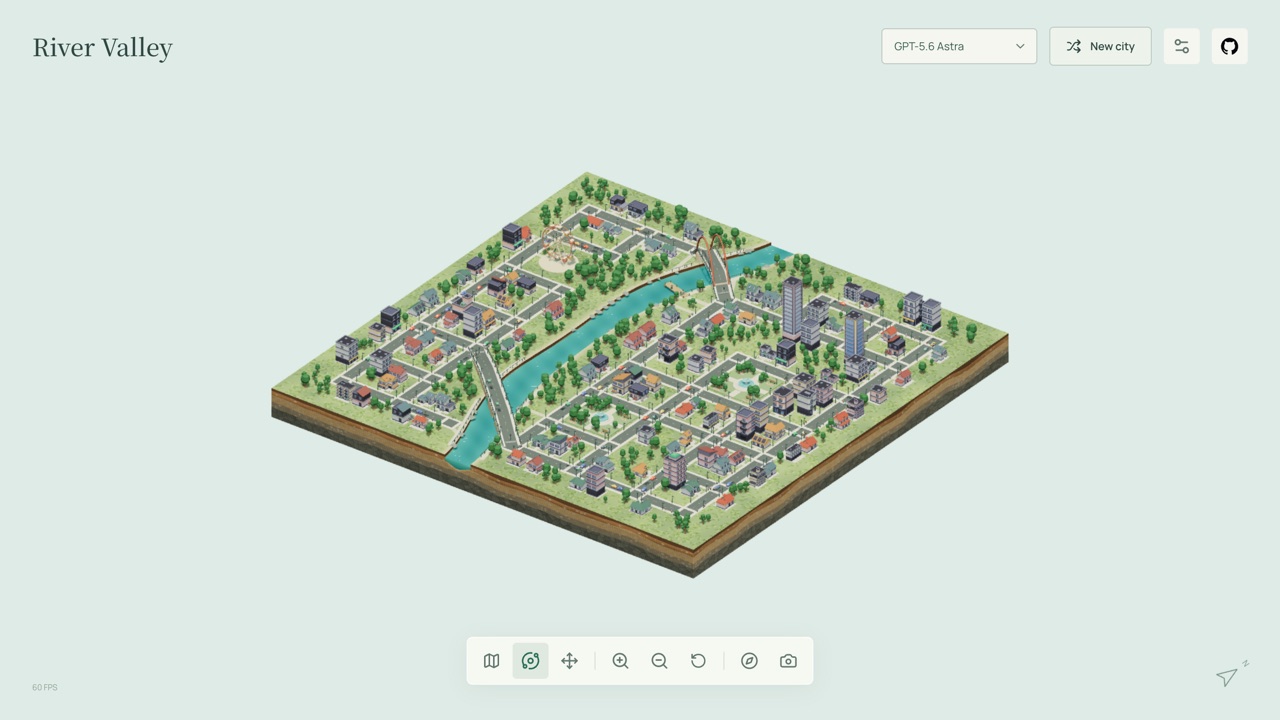
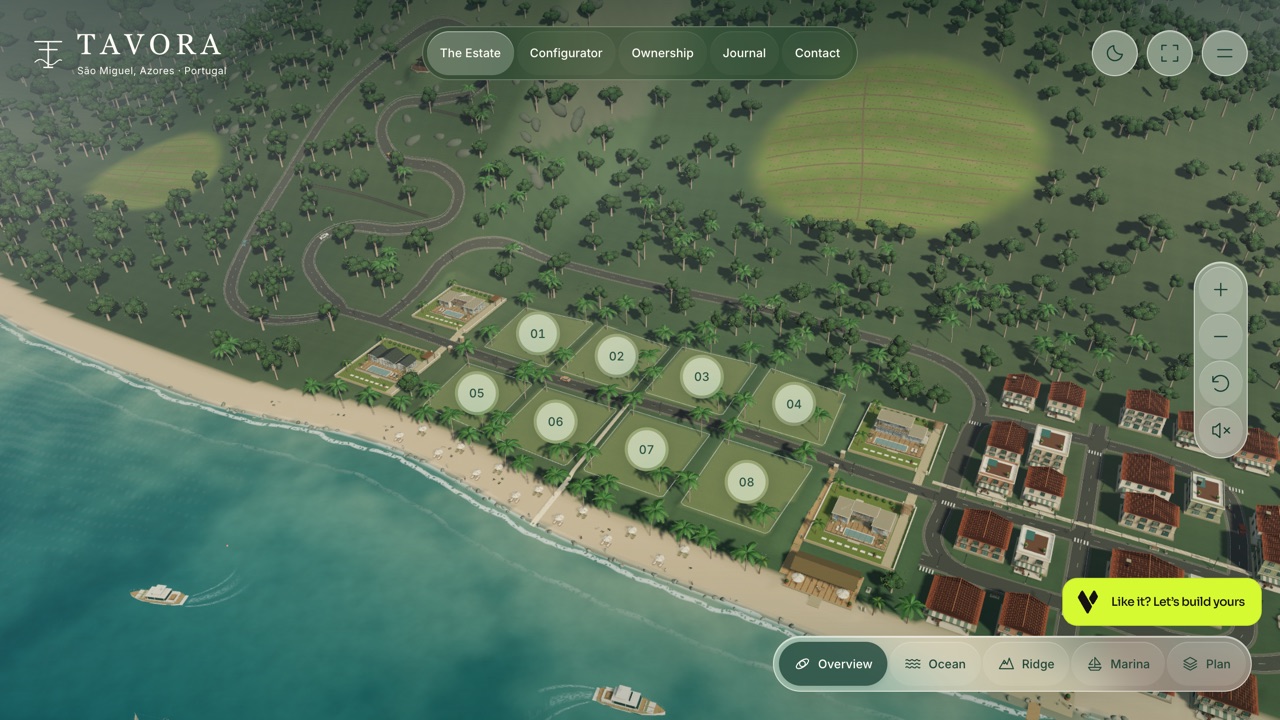
Orbital Garden and City Atlas are the other two look-don't-win 3D sandboxes here, particles and a procedural city rather than a fixed stone courtyard. Tavora is the closest in mood — another single moody 3D place built to be walked through with a camera, not played.
Frequently asked questions
- Is Vesper a game?
- No. There's no score, goal, character or way to lose — you move a camera through a small 3D scene and look at it.
- Who built it, and how?
- Anshu Chimala (@anshuc), using GPT-6 Astra in Codex through Dream Loop, an agent skill he wrote and published free on GitHub (achimala/dream-loop). The skill has an AI generate a target image, build toward it, and get graded by a separate AI critic in a loop.
- What's Dream Loop?
- A reusable, installable AI agent skill — not a game itself. It's aimed at other builders who want AI-generated 3D scenes to converge on a specific visual target instead of whatever a single prompt produces. The source and install instructions are on GitHub.
- Is this the cheaper 25-minute build the post describes?
- Unclear, and we say so above: the scene matches the repository's own README screenshot exactly, and that screenshot predates this post. We can't rule out the live demo being the original build rather than a fresh run of the newer, cheaper workflow.
- Can I play it on a phone?
- Yes — the interface shrinks to fit and the same click/drag/scroll gestures work as touch, verified with this site's own phone-emulation check.
- Is Vesper free to play?
- Yes. Everything on Floating Arcade is free, with no account, ads or downloads.
- Can I embed this game on my own website?
- Yes — copy the snippet below. The embedded player links back here, which is how we ask to be credited.
Embed Vesper on your site
Paste this where you want the game to appear: