A 32-second film that plays itself: a camera moves through a flooded gothic cathedral to a huge brass clock of nested rings and glass planets, ending in a solar eclipse. Chris Wozniczek's own page, one of his model-comparison runs; you can orbit the clock once it has played through.
Totality Engine is a 32-second film that plays itself in your browser. The scene is a flooded gothic cathedral, and hanging in the nave is a huge brass astronomical clock: nested gold rings, a few glass planets (one with rings, one like a cratered moon), a long black pendulum, and a black disc at the centre that acts as the sun. Over the film the camera drifts through the dust, walks down the nave, climbs into the machinery, and ends as the disc is ringed by a white eclipse corona. It is real-time Three.js and WebGL, not a video, so the lighting, water and glass are computed live on your graphics card.
It is the original creator's own page, not a recreation. Chris Wozniczek (@Chris_Wozniczek on X) put it on his own Vercel site, and the file is named astra-xhigh-totality-engine. The name means this is one model's run of a single long prompt: he gave the same brief to several AI models and published each result. This copy is the one made with GPT-6 Astra at its highest setting. His post about it, quoted in the box under this write-up, is a comparison of Astra's run with one from another model, and it gives his own summary of what is different in the code.
It is a viewer, not a game. Nothing is scored and you cannot lose. Interaction is a bonus: you can only look around freely after the film has played through once.
How to play Totality Engine
- Open the page and it starts at once. A small label at the bottom left names the current scene: I DUST, II NAVE, III ASCENT, IV THREAD, V TOTALITY, VI CODA. A Pause button sits at the bottom right. There is no sound at all; the page has no audio code.
- Space or the Pause button pauses and resumes. The number keys 1 to 6 jump straight to the start of each scene, which is the quickest way to see a part again. Dragging or scrolling does nothing during the first run.
- When the film reaches 32 seconds, a Replay film button appears next to Pause and a hint at the bottom reads "Drag to orbit · Scroll to approach". From then on you can drag to swing the camera around the clock and scroll to move in or out. The film does not stop while you do this: the clock keeps turning and the film keeps looping underneath your camera. Replay film puts you back on the directed camera from the start. Pressing a number key also returns you to the directed camera.
- On a phone it plays the same way. Tap Pause, and after the first run a one-finger drag orbits. There is no pinch: two fingers spreading did not zoom when I tried, so the "Scroll to approach" half of the hint has no touch equivalent.
Controls: It plays by itself. Space or the Pause button pauses, keys 1 to 6 jump to a scene, and Replay film restarts it. After one full run, drag to orbit and scroll to move closer.
Click Fullscreen above the game for the largest play area. If the game does not load, use Open in new tab to play it directly from our copy.
Why it's worth your time
What I saw, beat by beat. DUST (0 to 4 s) is nearly black with a single gold speck of dust in a warm haze. NAVE (4 to 10 s) reveals the cathedral with the clock hanging over dark water, candles on the pews and a red rose window behind it. ASCENT (10 to 18 s) rises up into the clock, and the rings, the glass planets and the pendulum rod pass close to the lens. THREAD (18 to 24 s) is a low, tight shot along a ring and the black disc. TOTALITY (24 to 30 s) pulls back to a wide symmetrical view with the corona flaring. CODA (30 to 32 s) drops the camera back down to the water, soft and out of focus, so it can start again from the opening dust speck. Those are exactly the beat names and times in the page's code.
The film loops forever. When it hits 32 seconds it wraps to zero without a pause and without reloading. That wrap is also what unlocks the orbit controls.
The orbit view is a genuine bonus rather than a second mode. Get close and you can see brass ring detail and glass refractions the film only glances at. Swing out beyond the walls and the cathedral is only a shell of arches and buttresses with dark outside, because the film never shows that side. It is fine to look at, but it was built to be seen from inside.
Two small hooks for tinkering are in the page. Adding #t=15 to the address starts at 15 seconds, and adding #pause holds that frame. The browser console also exposes window.totality with a seek() function. We used these to take the cover image.
Performance. It needs WebGL 2; if the browser cannot supply that it shows a short message instead of the film. On my desktop machine with a real graphics card it ran at a steady 60 frames per second at 1280x720 and in an emulated 390x844 phone. The code lowers the render resolution on very large windows, capping it at about 2.1 million pixels. That is one machine, not a benchmark, so an older phone may be slower.
Size and offline use. The page is one 48 KB HTML file plus Three.js version 0.160, about 1.3 MB, so it is small. The original loads Three.js from the jsDelivr network, so it needs an internet connection. Our copy includes Three.js and works offline, and the only change is that the address now points at our copy. Nothing else was modified.
Credit and licence. The page itself carries no credits and no licence text beyond the title "Totality Engine — Astra" and a small seal icon. The file name and his post say it is Astra's output, published by Chris Wozniczek as one of a set of runs he compared. We did not find a licence, so treat it as his work, shown here with his post linked.
What else exists. His post links a compare page on the same site that shows two model runs of this prompt side by side, with a menu of other models and the full prompt he used. Those other runs are separate pages and we have not mirrored them; only this Astra page is here. I did not verify the accuracy of the comparative claims in his post about which model is more physically rigorous. They are his analysis.
How we found it. Every entry in this catalogue was found through Tripo's GPT-6 Astra prompt collection, and this one is listed there as "Totality Engine: Cinematic Eclipse Cathedral". The credit is Chris Wozniczek's, and the page is his own.
How it was made and where it lives
Hosted on Vercel. The author publishes as Chris_Wozniczek. Original: https://chris-website-theta.vercel.app/astra-xhigh-totality-engine. The Play button above runs our own unmodified copy, so the game keeps working here if that page goes down — which on free hosting usually has nothing to do with the author. Nothing about the game itself is changed, and the original stays linked from every page.
The post that led us here
Chris W@Chris_WozniczekI did this 32s animation, posted about it already, but will use that as an example to explain you the difference between Astra and Fable: "Astra — "physically rigorous" means it solves the optics problems the way a graphics engineer would."
If you like Totality Engine, try these
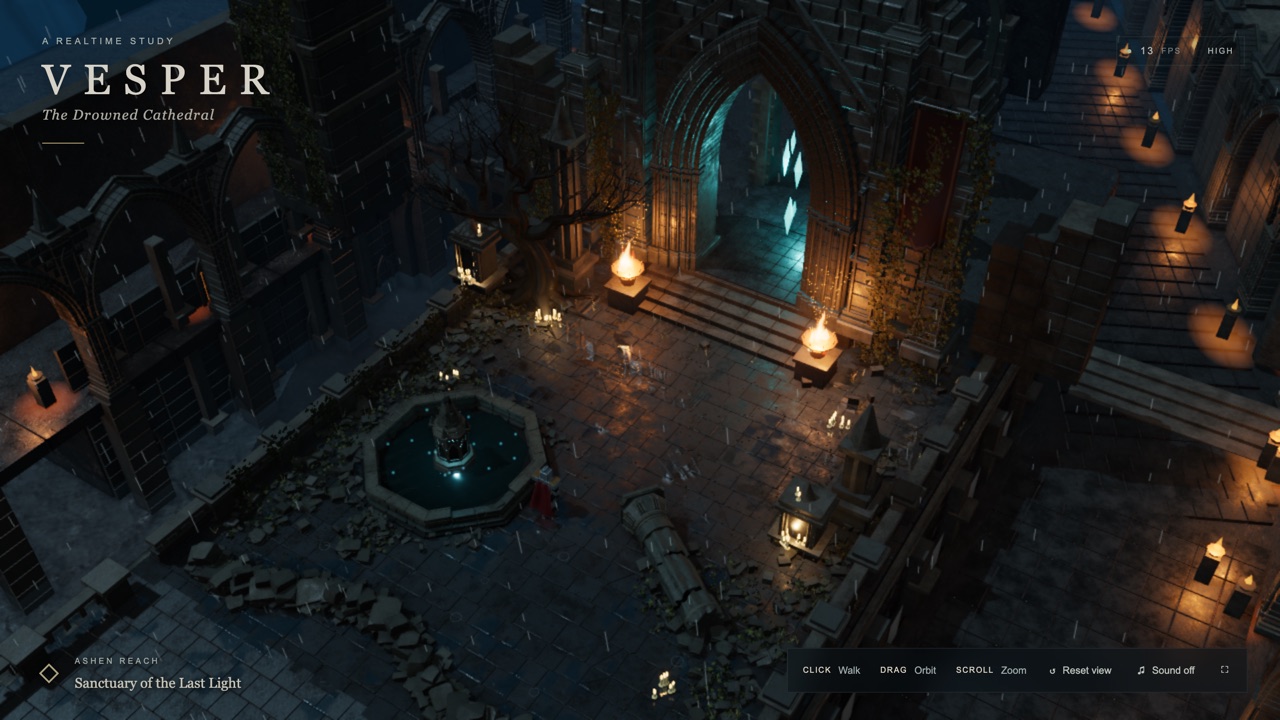
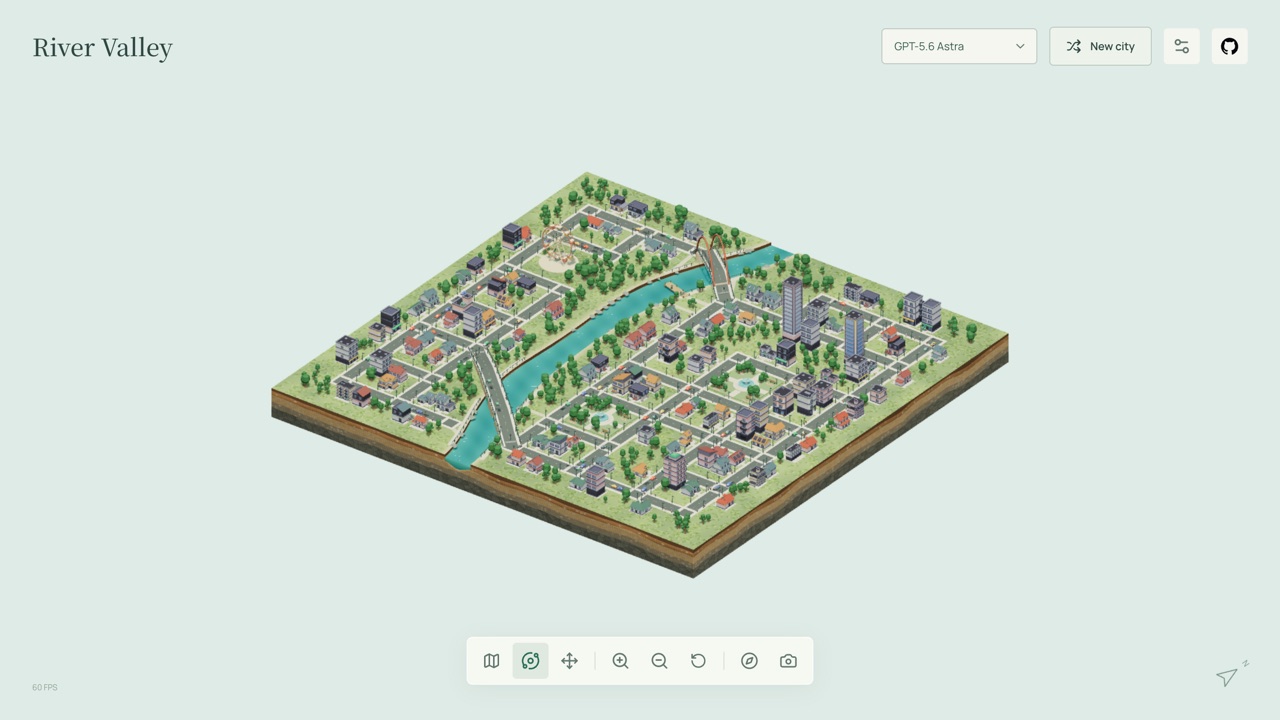
For another gothic cathedral scene built for the same kind of showcase, but one you walk around, try Vesper. For another calm, wordless 3D scene made with Astra, see City Atlas.
Frequently asked questions
- Is this a game?
- No. It is a short real-time film with nothing to score or win. After one playthrough you can orbit the camera around the clock, but that is all.
- How long does it last, and does it loop?
- 32 seconds, in six scenes. It loops continuously, jumping straight back to the start, so you never have to press Replay.
- When can I move the camera?
- Only after it has played through once. Until then, drags and scrolls do nothing. Then you can drag to orbit and scroll to zoom. The Replay film button hands the camera back to the film.
- Does it work on a phone?
- Yes, in the emulated phone we tested: it fills the screen without scrolling, the buttons are large enough to tap, and a one-finger drag orbits after the first run. Pinch-zoom is not supported. It is a demanding 3D scene, so an older phone may be slow.
- Does it have sound?
- No. The page has no audio at all.
- Who made it, and is it AI-generated?
- It is Chris Wozniczek's page (@Chris_Wozniczek). The file name and his post say it is one AI model's run of a long prompt, in this case GPT-6 Astra at its highest setting. The page itself does not say more than that.
- Does it work offline?
- Our copy does, as it holds every file it needs. The original loads Three.js from a public network and needs a connection.
- Is Totality Engine free to play?
- Yes. Everything on Floating Arcade is free, with no account, ads or downloads.
- Can I embed this game on my own website?
- Yes — copy the snippet below. The embedded player links back here, which is how we ask to be credited.
Embed Totality Engine on your site
Paste this where you want the game to appear: