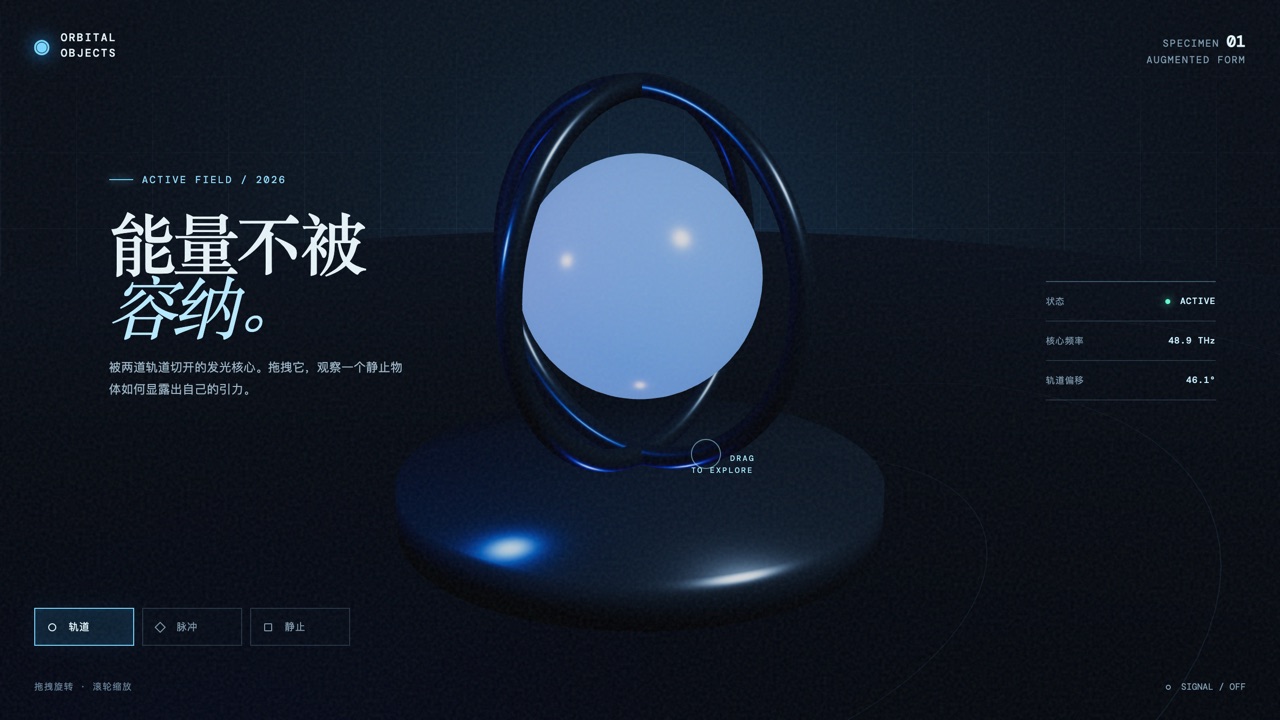
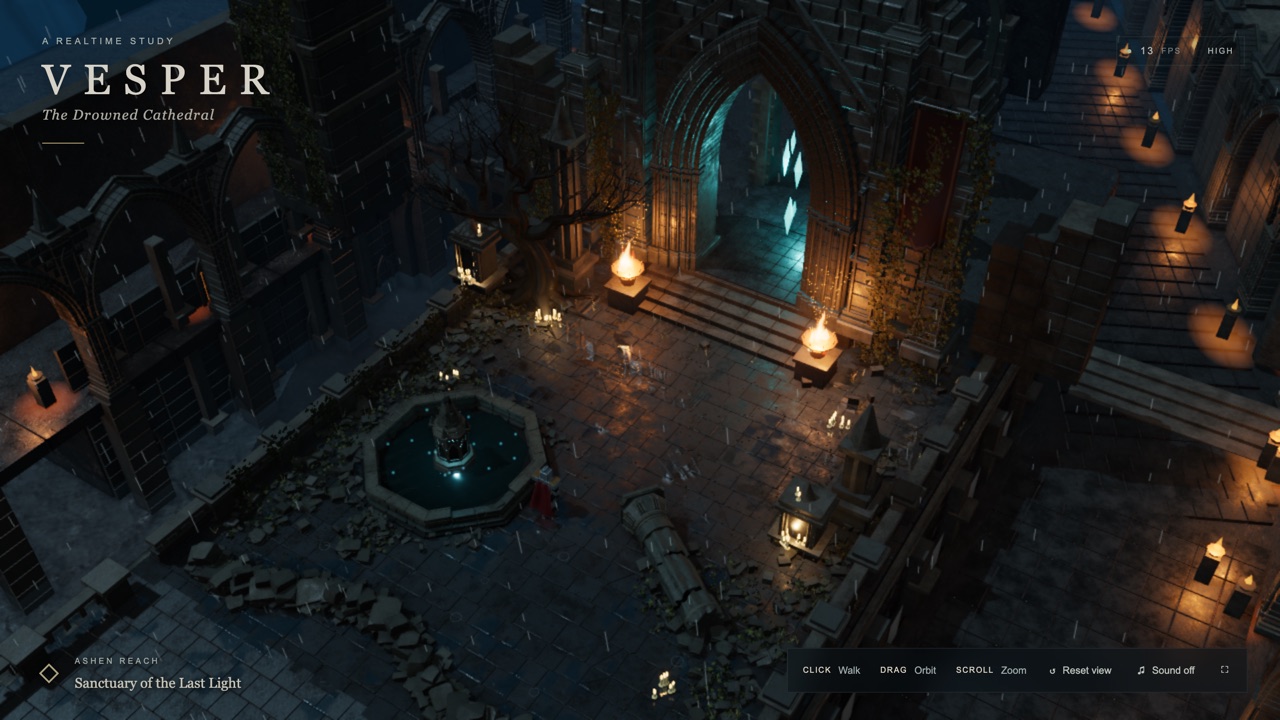
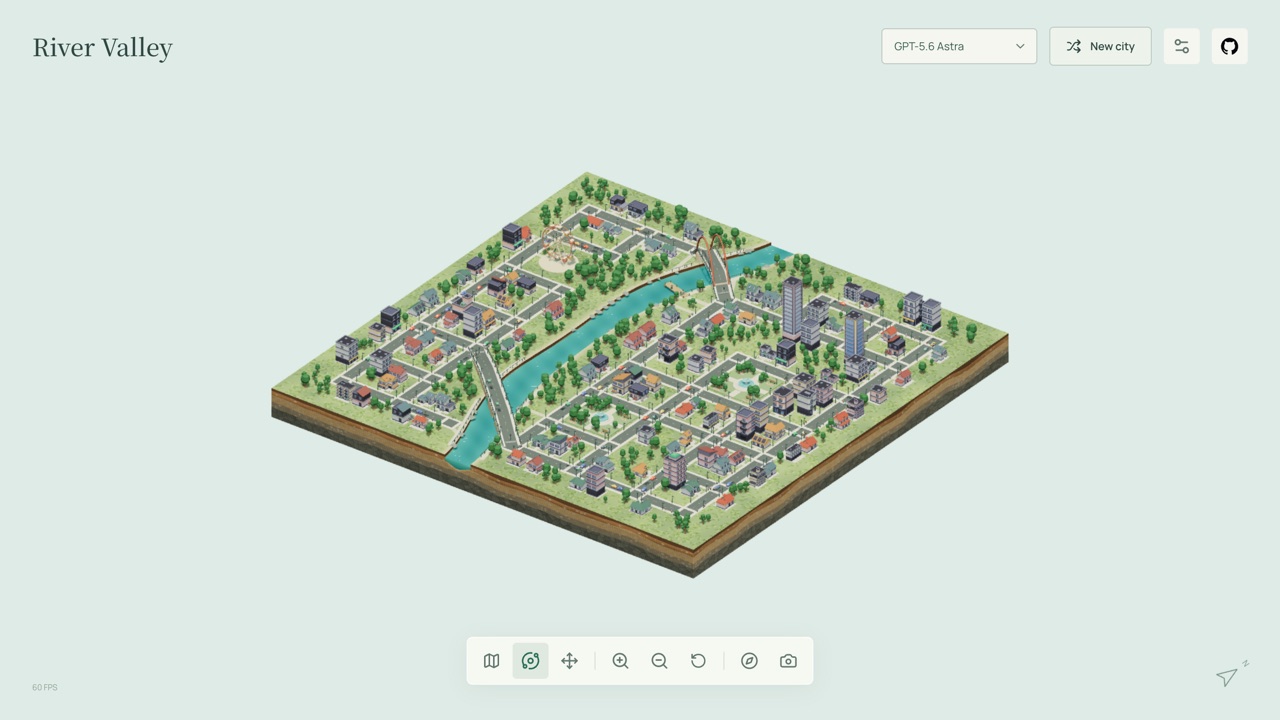
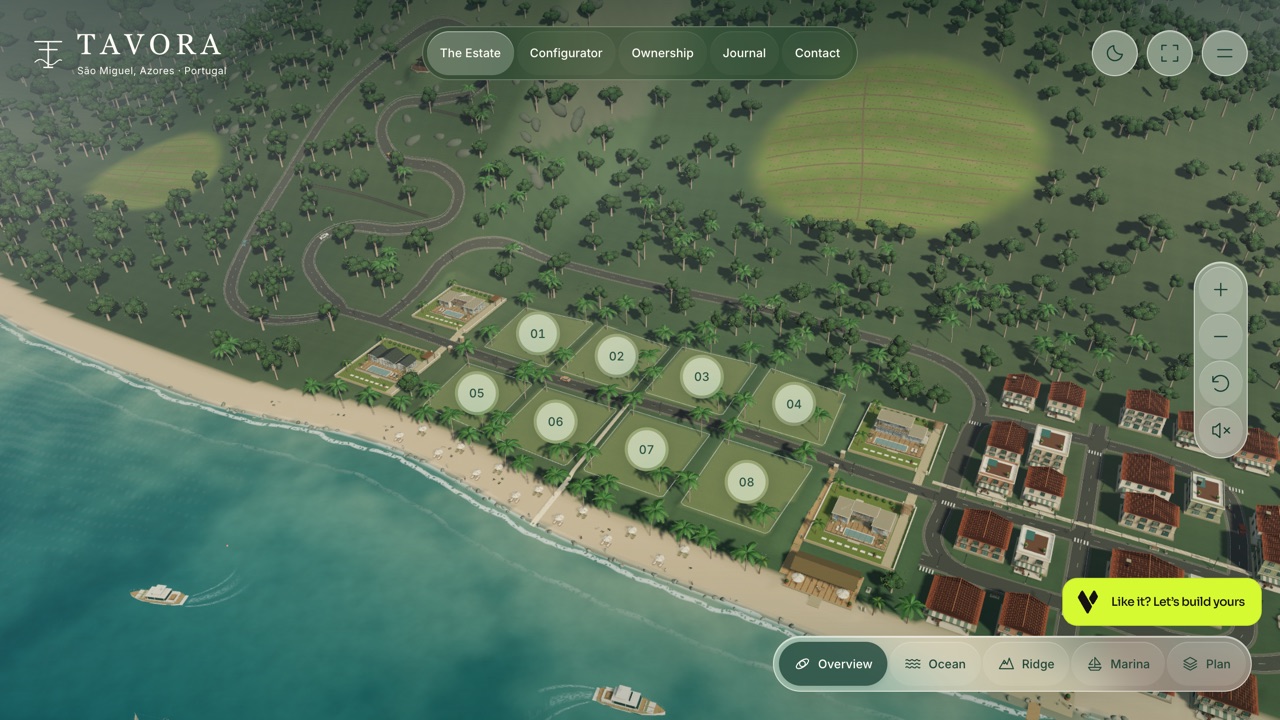
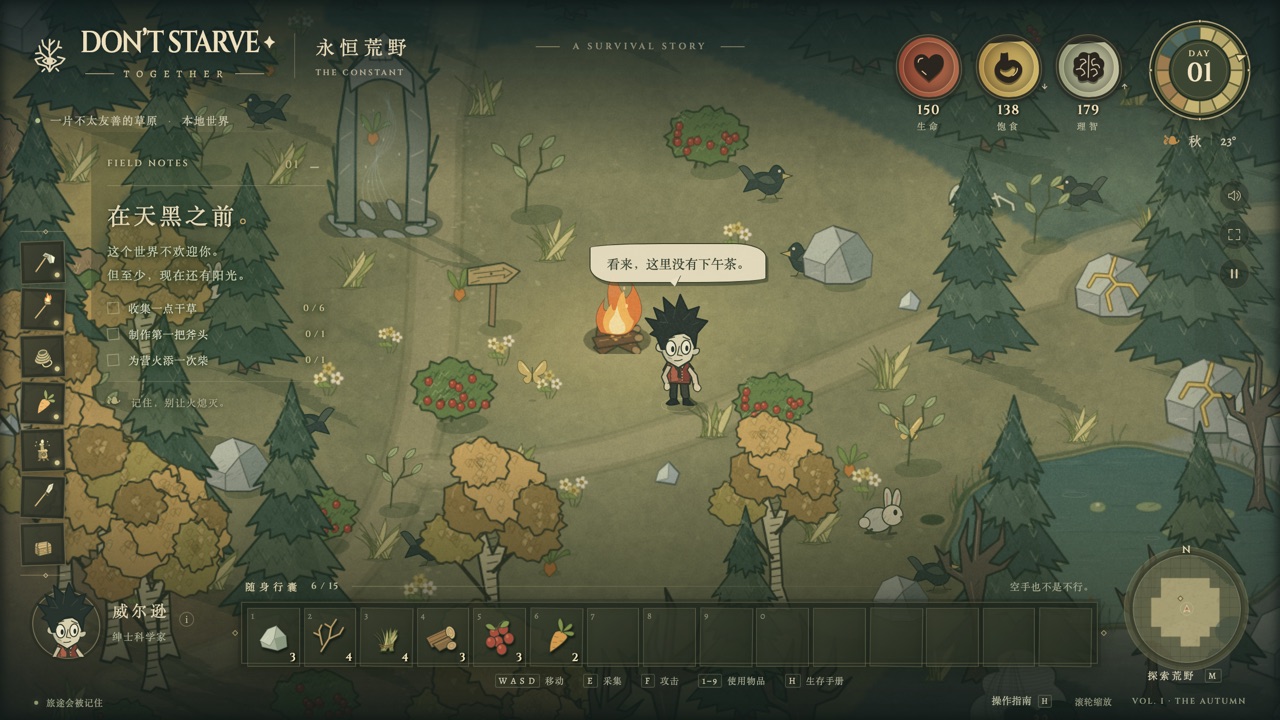
48,000 points of light re-form into a star flower, a gravity ring or a spiral galaxy. Disturb the sculpture, pause it, and save a moment as a 2000x2400 poster.
Orbital Garden (轨道花园) is not a game — it is an interactive particle sculpture you can steer. 48,000 points of light hold one of three shapes: a star flower, a gravity ring or a spiral galaxy. Switch between them and every particle keeps its identity and travels a continuous path to its new position, so the change reads as a bloom rather than a cut.
There is no score and nothing to win. You rotate the sculpture, release a burst of gravity to scatter and re-gather it, slow time down, and when a frame looks right you save it as a 2000 × 2400 poster stamped with the shape, the UTC time and the parameters you were using.
The whole piece — WebGL shaders, layout, copy and the synthesised ambient sound — lives in one HTML file with no external fonts, images or audio, which is why the copy we host loads instantly and keeps working offline.
How to play Orbital Garden
- Click the star flower, gravity ring or spiral galaxy, or press 1, 2 and 3, to morph between shapes. The light colour and the ambient chord change with the shape.
- Drag the sculpture, or use the arrow keys on the canvas, to rotate the view. R returns to the starting angle.
- Press B, double-click the sculpture, or use the gravity button to scatter the particles and let them spiral back together.
- The two sliders control vitality (how strongly it breathes, and how bright the points are) and time flow (0× to 2× speed). Space pauses — you can still rotate, morph and export while paused.
- F is immersive mode, which hides the text and the console; Esc brings them back. SOUND OFF toggles the synthesised ambience, and the save button downloads the poster PNG.
Controls: Mouse or touch. 1 / 2 / 3 switch shape, B releases gravity, space pauses, F is immersive mode, R resets the view.
Click Fullscreen above the game for the largest play area. If the game does not load, use Open in new tab to play it directly from our copy.
Why it's worth your time
The sound is five sine oscillators through a low-pass filter with slow modulation — no audio samples at all. The particle morph uses quintic smoothing, and interrupting a morph starts the next one from wherever the particles currently are instead of snapping.
It respects the system "reduce motion" setting by starting still and turning off the bloom, recovers if the browser drops the WebGL context, and stops rendering when the tab is in the background.
The author, jackroc, is explicit about the process: GPT-6 Astra ultra was used for the concept, mathematics, interface, code and documentation across a working session with review passes — it is described as a collaboration, not a one-shot demo and not a benchmark. The author also describes it as an artistic imagining of gravity, not a physics simulation.
The work is released under CC0 in the source repository, and the author explicitly invites people to host the single file on their own sites. That is what we do here — our Play button serves a byte-for-byte copy of that file, and the original address is linked above.
How it was made and where it lives
Published through ChatGPT Sites (chatgpt.site) — the same hosting pipeline GPT-6 Astra uses to ship playable games straight from a prompt. The author publishes as jackroc. Original: https://orbital-garden.hp20230404.chatgpt.site/. The Play button above runs our own unmodified copy, so the game keeps working here if that page goes down — which on free hosting usually has nothing to do with the author. Nothing about the game itself is changed, and the original stays linked from every page.
ChatGPT Sites is the hosting side of the workflow OpenAI describes for building games with GPT-6 Astra: the model writes the game, then publishes it to a public address in one step. That is why so many of the newest single-file browser games are appearing on chatgpt.site domains.
If you like Orbital Garden, try these
For another piece built to be looked at rather than beaten, RB19 Engineering Lab takes an F1 car apart in 3D. If you want the same unhurried mood with something to actually solve, Infinite Garden is the collection's slowest game, and Mosswing is its calmest arcade one.
Frequently asked questions
- Is Orbital Garden a game?
- No. It is an interactive generative-art sandbox — there is no score, no objective and no way to lose.
- Does it work on a phone?
- Yes, on a WebGL-capable mobile browser. Drag horizontally to rotate; vertical swipes still scroll the page.
- Can I keep an image?
- Yes. "Save this moment" downloads a 2000 × 2400 PNG poster labelled with the shape, the UTC timestamp and your settings.
- Can I put it on my own site?
- Yes — the author released it under CC0 and documents exactly how to drop the single HTML file into a static site.
- Is Orbital Garden free to play?
- Yes. Everything on Floating Arcade is free, with no account, ads or downloads.
- Can I embed this game on my own website?
- Yes — copy the snippet below. The embedded player links back here, which is how we ask to be credited.
Embed Orbital Garden on your site
Paste this where you want the game to appear: