You wake in a quiet glade with nothing, find a twig for a sword, and fight your way to a run-down village. Walk through tall grass to be pulled into short real-time fights in a round arena, collect monster drops, level up, and craft better gear. The story asks you to repair the forge, beat the guardian of each road and work your way east to a dragon. Its README says it is a test of Claude Opus 5.5, built on release day.
Sprout Quest is a small, friendly action RPG seen from above. You wake up in a quiet glade with a headache and nothing else, pick up a twig for a sword, and fight your way down a forest path to Sprout Village, a run-down place with a tent, a dry garden patch, a broken forge and a village elder, Elder Bloom, who asks you to help. From there you walk out into the tall grass, get pulled into short fights against cute monsters (we met slimes and bunnies called Hopbuns; the README also lists mushroom, wolf, bat, golem and imp monsters), collect what they drop, level up, and use the loot to fix and upgrade the village.
The world is a strip of connected areas. The game's own README lists, from west to east, the Quiet Glade, Sprout Village, Sunny Meadow, Whisper Woods, Crystal Cave and Ember Peak, ending at a Dragon Lair, and says each road is blocked by a guardian boss you have to beat before you can go on. We played the glade, the village and the meadow, and did not reach the later areas, so the rest of this page is marked when it comes from the README rather than from us.
The art is worth a mention: the README says every character, monster, weapon and building was modelled in Blender and rendered ahead of time into flat sprite sheets. On screen it looks like round, soft, outlined cartoon 3D objects on a flat, tiled top-down map. We played it and that matches what we saw.
Who made it, and with what, is the important part of this entry, so it is in the first screen. The game's GitHub repository, aibengineering/sprout-quest, opens its README with a boxed note: "This game is a test of Claude Opus 5.5's capabilities, built on release day (22–23 September 2026)." It goes on to say that all of it, the code, the Blender art scripts, the 3D models, the tests and the repository, was written by Claude Opus 5.5 in Claude Code, that a human played the game on a phone and gave feedback between turns, and that no code or art was written by hand. That credit is the author's own, in the README as it stood on 24 September 2026 (last commit 23 September 2026). It is not on the game's page: the page itself never mentions Claude or any model. We cannot see how the game was actually made, so this is the author's statement and we have not been able to check it. What we could see is that all 13 commit messages in the repository carry a "Co-Authored-By: Claude Opus 5.5" line, which is consistent with it but is also just text the author could have written.
How to play Sprout Quest
- Open it and you get a title screen over the glade: New Game, plus Continue if there is a save in your browser. On a computer the hint line under it reads WASD to move, J attack, K dodge, L skill, E interact, B bag, Q journal. Press N or Enter for a new game. A caption tells you something glints in the grass, and a small hint on screen tells you to move with WASD or the arrow keys.
- The prologue is coached. Walk to the glowing twig and press E to pick up the Twig Sword. Then walk down the dirt path east: a slime is blocking it. Press E when the Fight prompt shows up beside it and you drop into a fight in a round grass arena. In a fight you press J (or the big crossed-swords button) to swing, which aims at the nearest enemy by itself, and K to dodge, which gives a moment of not being hit. A bubble says so the first time. The slime dies in a handful of hits. Next comes a Hopbun, which wiggles and then charges, and a tip says to press K to dodge through it. We reached level 2 after that fight.
- After the Hopbun the game walks you east. At the village a short letterboxed cutscene shows Elder Bloom speaking a few lines: how empty the place is, how the forge has crumbled, how smoke from Ember Peak has made the monsters grumpy and how guardians now block the roads east. A banner then announces Chapter 1 and its goal: collect 4 Slime Goo and 3 Bunny Fluff. The goal shows in a bar at the top left and in a Journal you open with Q.
- The game hands you its systems one at a time, each with a small card that says NEW UNLOCKED. We saw the Bag (B) unlock after the first fight and the Journal (Q) on arriving in the village, and the weapon skill (L, the twig sword's is called Spin) appear after some fights in Sunny Meadow. The README says the Village building menu and the Forge's crafting come next, and that new building plots appear as guardians fall. We did not get that far.
- In Sunny Meadow, walking through tall grass has a chance to start a fight, and standing near a visible monster shows a Fight button. A fight has a Run button, a potion button (you start with 2) and, once unlocked, the skill button. When you win you see Victory, the XP you got and the materials that dropped, and a Continue button. The Bag shows your level, your health, attack and defence, and what you wear. The README says golden monsters sometimes appear with double loot, that health refills at a campfire or in the village, and that fainting sends you back to your last checkpoint; in one of our runs the bar fell to 8 of 36 and the next thing we saw was the village at full health, but we did not read the message in between.
- On a phone you drag a finger anywhere to move (a small stick appears under it), and the fight buttons are large and sit at the lower right, in reach of a thumb. The Bag and Journal buttons sit at the lower left. On a computer the same buttons show their key letter on them. Progress is saved in your browser as you go, so Continue picks up where you left off on the same device.
Controls: On a computer: WASD or the arrow keys walk; J or Space attacks (hold to keep swinging); K or Left Shift dodges; L uses the weapon skill once it has unlocked; H drinks a potion; R runs from a fight; E talks, picks up or starts a fight; B opens the bag, Q the journal, M or Esc the menu; Enter confirms in dialogs. On a phone: drag anywhere to walk, and tap the on-screen buttons (Attack, Dodge, skill, potion, Run, Bag, Journal). Progress saves in your browser by itself.
Click Fullscreen above the game for the largest play area. If the game does not load, use Open in new tab to play it directly from our copy.
Why it's worth your time
It plays well on a phone, which is what it was made for. We tested in an emulated iPhone 13, upright at 390 by 664 and sideways at 844 by 390. Neither fits badly: no sideways scroll, the stick appears where you drag, and by touch alone we walked into a meadow, started a fight with the on-screen button, and won it using the on-screen Attack and Dodge buttons (the fight gave 14 XP and 4 Slime Goo). The page tells you it is best upright. Its page tells the browser not to let you pinch-zoom. We did not try a real phone, so anything that depends on a real touch screen, like the feel of the buttons or the browser's own pull-to-refresh, is unchecked.
It also plays with a keyboard. The page starts in touch mode or key mode depending on whether your device has a mouse, and switches when you press a key or touch the screen, so the buttons show the right hints. We tried the keyboard on a desktop-size window all the way through the prologue, the village cutscene and a few meadow fights. We did not try a gamepad, and the README does not mention one.
Frame rate and size. In headless Chromium at 1280 by 720 it ran at about 58 to 61 frames a second on the title screen, walking about the world and in a fight. The whole game, in our copy, is 69 files and about 1.2 MB: the bundled script is 143 KB, the two sprite sheets are about 675 KB and 246 KB, and there are 61 small item icons. It does not load anything from another site, and it has no analytics, in the original or in our copy; the mirror made no off-site requests in any of our runs.
Not everything works with the network off. Once the page is up, the game itself runs without asking for anything: we cut the network after load, started a game and played a few steps. But the small item pictures in the menus are loaded on demand, and one of them (the twig sword's) failed to load when we tried it offline on the original site. In our copy those come from our own files, so this does not affect the copy here, and the page keeps working either way, but for that reason we have not given it the "Works offline" tag.
What we did not get to. We did not reach the forge, crafting, the village building menu, the guardians, or any area past the meadow, and we did not hear the sound: the README says the sounds are generated in code, and the mute setting is saved with your progress, but we cannot tell you what it sounds like. Everything on this page about those parts comes from the README's list, which says there are 13 weapons of five types (sword, spear, axe, hammer, wand), 7 armours, 4 charms and 3 potion recipes, four guardians and a dragon at level 20, and buildings you can raise from tent to manor. We have not counted any of it in the game.
How it was made, according to the README, in the author's own numbers. It says the whole thing took about 4 hours 25 minutes from the first prompt to the published repository, with 11 human prompts to build the game plus three more to set up GitHub and the repo, roughly 230 model calls and 245 tool calls, and about 565 thousand output tokens, all "measured from the Claude Code session log". It also lists the prompts in short form (make a cute mobile adventure game, use Bun, give me a link to play it, install Blender and make cute 3D art, and so on). We cannot see that log, so none of it is checked. The repository's own history is consistent in size: 13 commits between 22 September 2026 at 22:47 UTC and 23 September 2026 at 05:54 UTC, all under the display name "AI Bengineering".
Who is behind it. The repository belongs to the GitHub user aibengineering, and the game is served from GitHub Pages, built by a workflow in the repository that runs a type check and the tests and then publishes. The README says there are no runtime dependencies (the build tool is Bun) and the game is written in TypeScript. That is what we can see; the person or people behind the account are not named anywhere we looked.
Licence, and why our copy is here. The repository has no licence file, and the README does not state a licence. That means the author has not said we may copy it and has not said we may not, so we do not call it open source. We host a copy of the published site, byte for byte as served on 24 September 2026, plus a small script every copy here carries, because it is a free game and so that it stays playable if the repository moves. If you are the author and would rather we linked to you instead of hosting it, the address in the footer reaches a person and the copy comes down. The original stays linked from this page, and so does the repository at github.com/aibengineering/sprout-quest.
How it was made and where it lives
Published on GitHub Pages from a public repository. The author publishes as aibengineering. Original: https://aibengineering.github.io/sprout-quest/. The Play button above runs our own unmodified copy, so the game keeps working here if that page goes down — which on free hosting usually has nothing to do with the author. Nothing about the game itself is changed, and the original stays linked from every page.
If you like Sprout Quest, try these
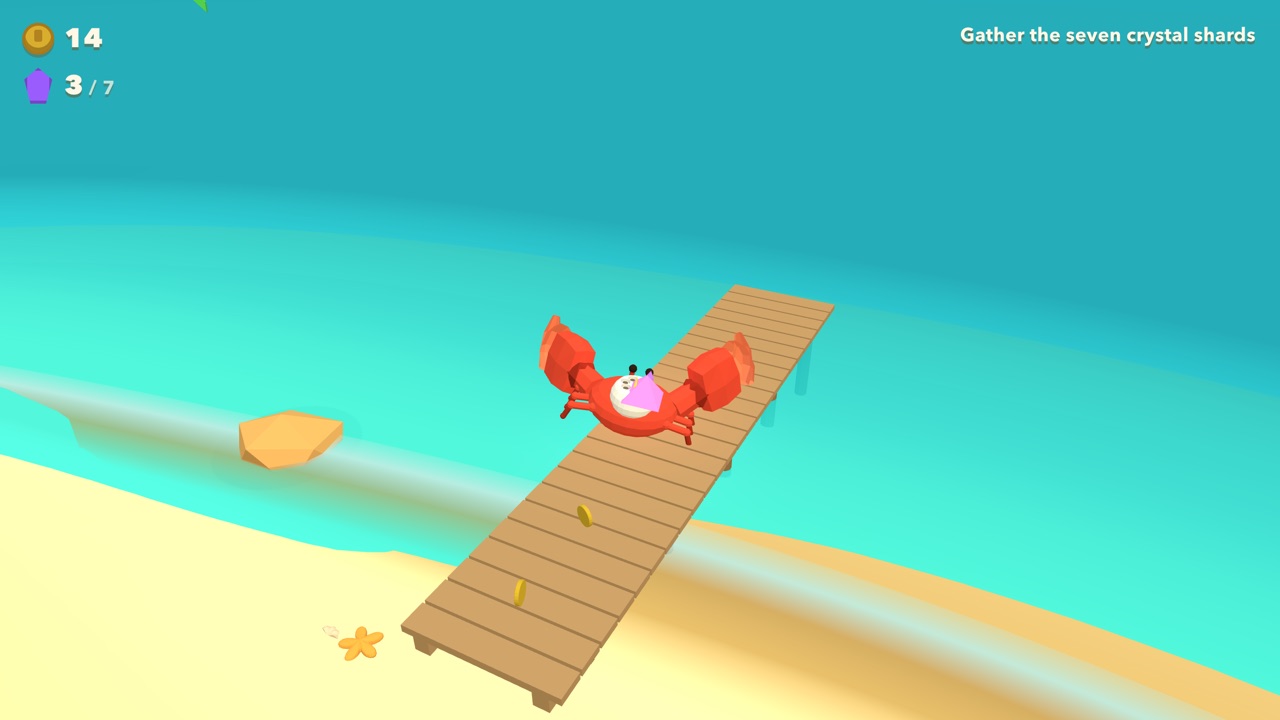
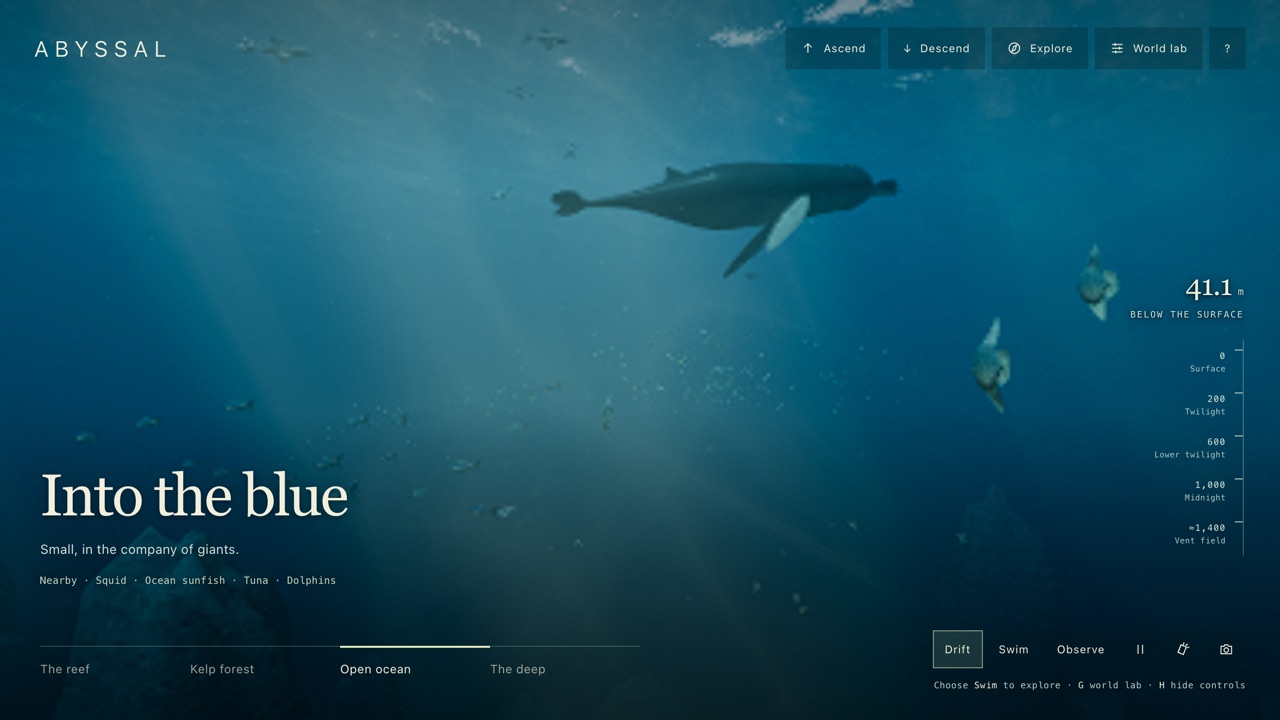
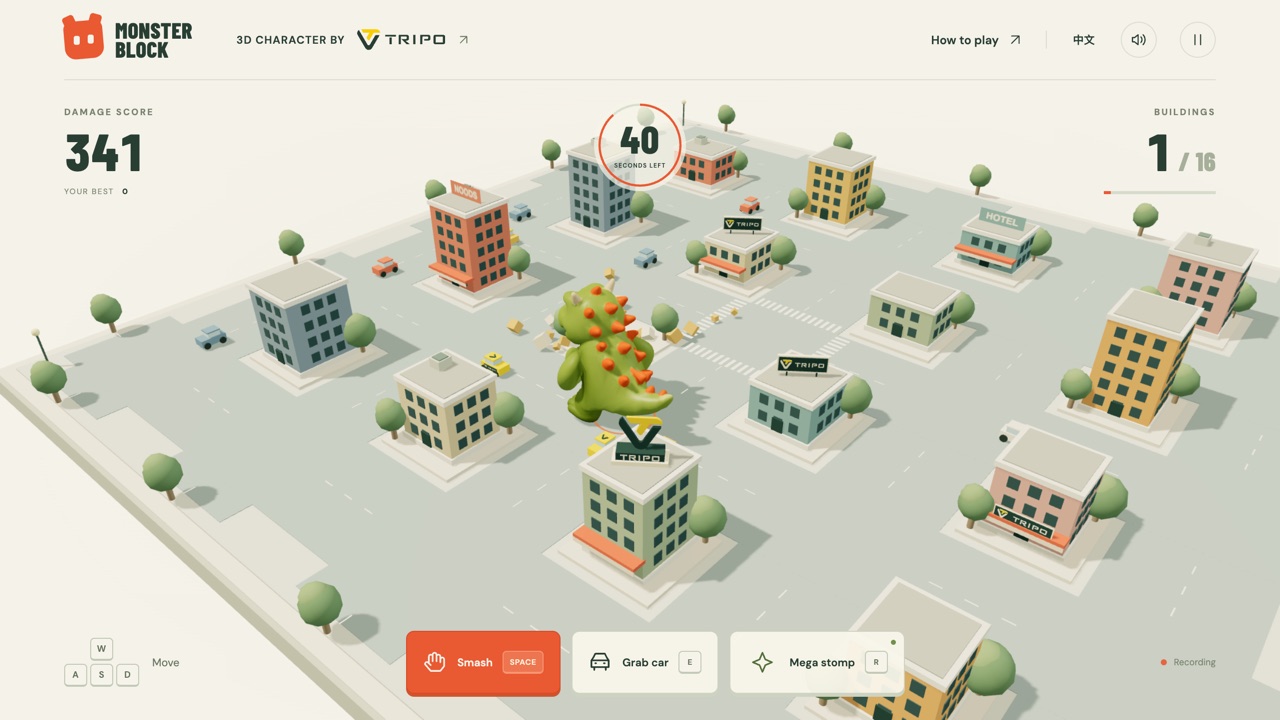
For another cosy game about gathering, crafting and getting through a night, try Eternal Wilderness. If you want another game whose author credits Claude Opus 5.5, Crab Dash, Voxel Musou and A Day on the Coral Reef are on this site, each with its own note about who says so. For a very different kind of fight against monsters in a small arena, ODD ARMS is a three-minute survival game with a toy hero.
Frequently asked questions
- Is it free, and do I need an account?
- It is free. There is no account, no purchase and no sign-in; it runs in the browser, and progress is saved in your browser only.
- Does it work on a phone?
- Yes, it is built for one. Dragging moves you and the on-screen buttons fight, and we won a fight by touch in an emulated iPhone, upright and sideways. The README says it is best held upright. We did not try a real handset.
- Does it work with a keyboard?
- Yes. WASD or the arrow keys walk, J or Space attacks, K dodges, L is the weapon skill, H a potion, E interacts, B opens the bag and Q the journal. Enter confirms dialogs.
- How long is it?
- We do not know. The README sets out a prologue, four chapters and a finale against a dragon, with guardian bosses to beat on the way. We played the prologue, the village scene and the first meadow fights, which took a few minutes, and did not get further.
- Was it really made with Claude Opus 5.5?
- The author's README says so, in its opening box: that every part of the game was written by Claude Opus 5.5 in Claude Code from a conversation of plain requests, on release day, 22 to 23 September 2026. Nothing on the game's own page says it, and we cannot see how it was made, so it is the author's statement, not something we checked. The commit messages carry a Co-Authored-By: Claude Opus 5.5 line.
- Is it open source?
- We cannot say so. The repository is public, but it has no licence file and the README states none, so the code is visible without any permission to reuse it being given.
- Does it save my progress?
- Yes, automatically, in your browser's local storage on the device you play on. Clearing the site's data removes it. New Game starts over.
- Does it send anything about me anywhere?
- Not that we found. There is no analytics or other third-party script in the game, and in our copy the game asked no other site for anything in any of our runs.
- Is Sprout Quest free to play?
- Yes. Everything on Floating Arcade is free, with no account, ads or downloads.
- Can I embed this game on my own website?
- Yes — copy the snippet below. The embedded player links back here, which is how we ask to be credited.
Embed Sprout Quest on your site
Paste this where you want the game to appear: