Drive a red convertible around a small tropical coastal city at golden hour: palm-lined boulevards, string lights, a pier and glowing shopfronts, drawn in chunky low-resolution 3D. There are no opponents, no goals and no timer, just handbrake drifts, a nitro gauge and a synthesised radio. The author says he vibe-coded it with Claude Opus 5.5.
Palmera Bay is a free-roam driving game with one mood: sunset. You get a fast red convertible and a small tropical coastal city at golden hour, with palm-lined avenues, art deco blocks, strings of lamps over the street, neon signs and a pier over the water. There are no opponents, no checkpoints and no timer. You drive, drift, use the nitro and look at the view. The title screen says "A sunset drive".
Everything is drawn as chunky, low-resolution 3D with a dither pattern and a bit of glow, so it looks like a retro arcade game with modern lighting. The README says the city, the textures, the sky and ocean, the engine sound and the radio are all generated by code, with no image or sound files. It is by the GitHub user vcahlik, and the code is at github.com/vcahlik/palmera-bay. The repository was created on 23 September 2026 and has six commits, all from that day.
The author says the game was made with Claude Opus 5.5. That is a first-hand statement, and it is the first line of the README: "a game vibe-coded with Claude Opus 5.5". The details are in the notes below, including what we could not check.
How to play Palmera Bay
- Open it and press any key, or click, at the title screen. The car is already sitting in the street behind the title. Hold W or the up arrow to drive, steer with A and D or the left and right arrows, and brake or reverse with S. The number in the bottom right corner is your speed in km/h, with the gear above it.
- Space is a handbrake and makes the car drift. Shift spends nitro from the gauge above the speedometer: the picture blurs and shakes while it burns, and the gauge refills once you let go. V cycles between three cameras (chase, far and a bumper view), C changes the paint (six colours), M turns the radio on and off, P changes how big the pixels are, and H hides all the on-screen display. If you get stuck against a wall or a palm tree, R puts the car back on the nearest road.
- The small round map at the top right shows the streets around you. The README says the map is small on purpose, and that there is a cliff border at the edge of it.
- On a phone or tablet the same controls appear as on-screen buttons once you tap the title screen: two arrows to steer, gas and brake on the right, NOS and DRIFT above them, and a menu button at the top left with camera, paint, radio, pixels, reset, display and fullscreen. Holding the phone sideways gives the most room; upright, the title screen asks you to rotate it.
Controls: W or the up arrow is gas; S or the down arrow brakes and then reverses; A and D or the left and right arrows steer; Space is the handbrake, for drifting; Shift is nitro; V changes camera (chase, far, bumper); C changes the car's paint; M turns the radio on and off; P changes the pixel size; R puts the car back on the nearest road; H hides the on-screen display. Any key, or a click, on the title screen starts it. The README says a gamepad works too (left stick steers, the triggers are gas and brake, A or B is the handbrake, X is nitro); we did not try one. On a touch screen: arrow buttons steer, up and down are gas and brake, NOS and DRIFT sit above them, and a menu button at the top left holds camera, paint, radio, pixels, reset car, HUD and fullscreen.
Click Fullscreen above the game for the largest play area. If the game does not load, use Open in new tab to play it directly from our copy.
Why it's worth your time
Where the Claude Opus 5.5 credit is stated. It is in the repository's README, which begins "Palmera Bay: a game vibe-coded with Claude Opus 5.5". The author writes that he used Claude Code with Claude Opus 5.5 at medium effort, gives the original prompt (a free-roam "vibe driving" browser game in a tropical coastal city at sunset, small map, no opponents, a fast convertible, slightly retro and pixelated graphics), and says the first attempt ran on its own for about 30 minutes and produced something close to the final game. After that he ran a few more prompts, mostly to improve the map and the gameplay, and the biggest bug was a broken driver-view camera. He puts the total at about two hours. The README line was added in the repository's last commit, dated 23 September 2026 (22:09 in the committer's time zone). The game page itself does not mention Claude or any model.
What we could not check. We can see who says it and where, but we cannot see how the game was actually made: the commit messages are short ("Initial commit", "Improve map and gameplay", "Fixes") and name no model, and there is no session log to read. So the "Made with Claude" and "Made with Claude Opus 5.5" tags rest on the author's own README, and nothing else. The README also says the first version is in the initial commit and that the rest came from more prompts, so the finished game is not one prompt's output, and the author says so himself.
What we played. We ran it in Chromium on a Mac with a real graphics chip, from our own copy, with every request to another site blocked. It starts at once, reads the keyboard, and held 60 frames a second at 1280 by 720 on the title screen, at rest and while driving, and about 54 at the end of a run of ramming into things. With the gas held and no steering the speedometer read 82 on the first straight, and 104 with nitro on a second run; it then falls back toward zero, because the car runs into whatever is beside the road, so those are not top speeds. The nitro gauge visibly drained (to about a quarter after several seconds), the camera, paint, pixel-size and radio keys each gave their on-screen message, and R returned the car to the road. There is no crash screen and nothing to win or lose. We did not find an end, a score or a lap counter, and the README says there are no goals.
The look. The scene is drawn small and stretched up to the window: the default is a pixel size of 3 on a desktop and 2 on a phone, and P steps through 2, 3 and 4. A dither pattern and a warm colour grade are applied on top, the water and sky are shaders, and street lamps and the strings of lights over the road glow. The lettering is the pixel font Press Start 2P. Neon shop signs are drawn with the same font. The README lists more than we drove past: an art deco downtown, hillside villas, a pier, a beach, a gas station, a motel and a marina with a lighthouse.
The sound. The README says the engine, nitro, wind, tyres, surf and a synthwave radio are all synthesised in the browser. The radio is on by default, and sound starts on your first key press or click; M turns the radio off. We did not listen to it, so we cannot describe how it sounds.
It keeps nothing and asks the network for nothing. The source has no local storage, cookies, saved data or network calls, and across our runs the only files requested were the page, the script and the font. The original page asks Google Fonts for the pixel font. Our copy carries that font file itself. The page still contains a hint to connect to Google Fonts (a "preconnect" line), which opens a connection without asking for anything; we saw no request to another site in our test, but we did not test that hint on its own.
Where this copy comes from. The original is hosted on GitHub Pages under the author's own domain, cahlik.net, and it is the same page and the same 624,008-byte game script that the repository holds (we compared them byte for byte). The play button here runs our copy of those files. The repository has no licence file, and the author states no licence anywhere we looked, so the code is public but nothing says what you may reuse; we host a copy as we do for other public games without a licence, credit the author, link the original, and will take it down if asked, using the contact in the footer. The game also bundles Three.js version 0.169, which carries the MIT licence notice in the script.
On a phone. In an emulated iPhone 13, upright (390 by 664) and sideways (750 by 342), the page fits with no sideways overflow, tapping the title screen starts it, the buttons appear, and holding the gas button drove the car. It ran at 51 to 55 frames a second on a desktop graphics chip, which says little about a real phone. The menu opens and lists camera, paint, radio, pixels, reset, display and fullscreen. We did not steer with the touch buttons for long or play on a real handset.
In a frame. Loaded inside a page on another address, our copy starts, and once you have clicked into it the keys reach it and the car drives, with no error.
How it was made and where it lives
Published on GitHub Pages from a public repository. The author publishes as vcahlik. Original: https://cahlik.net/palmera-bay/. The Play button above runs our own unmodified copy, so the game keeps working here if that page goes down — which on free hosting usually has nothing to do with the author. Nothing about the game itself is changed, and the original stays linked from every page.
If you like Palmera Bay, try these
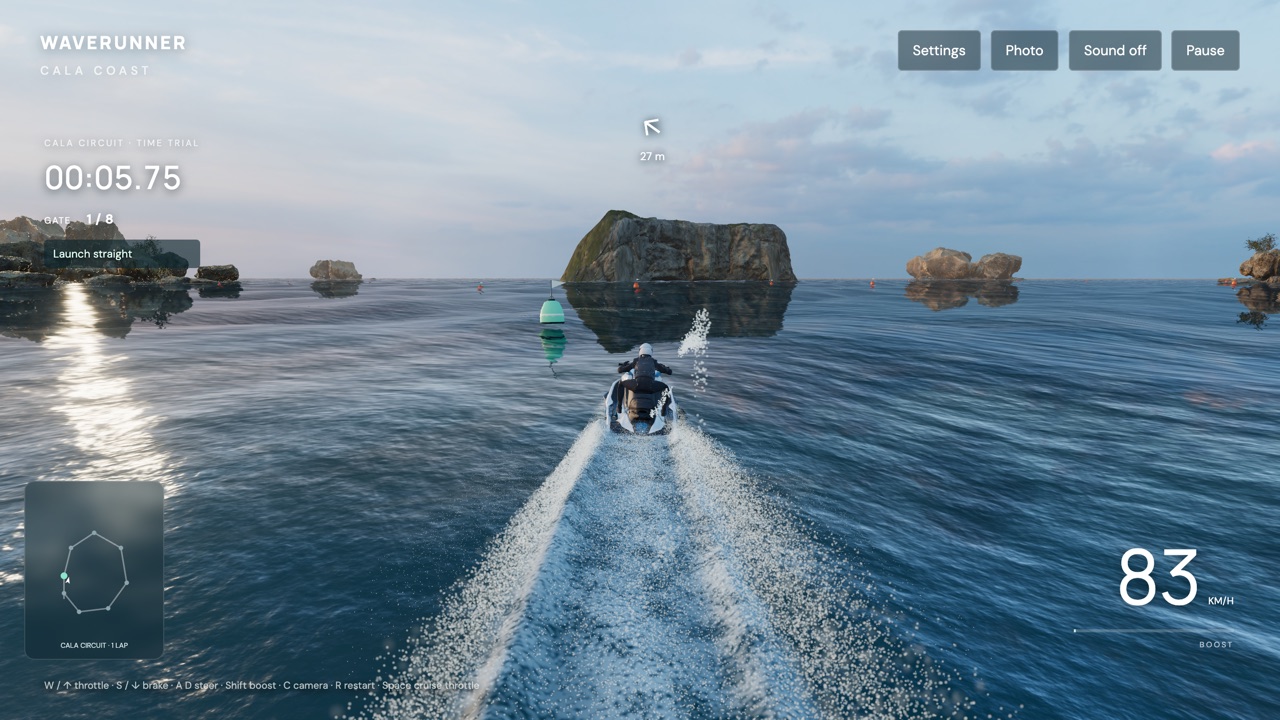
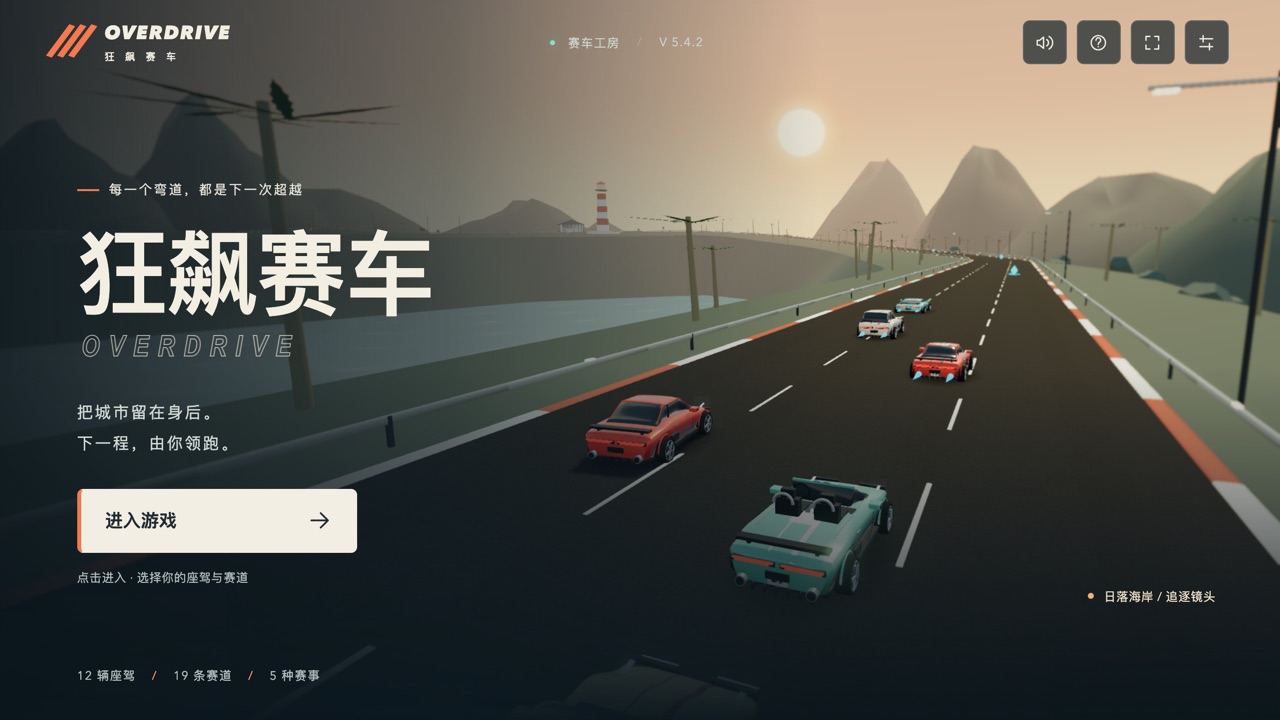
For another driving game with a whole city to roam, try ShenChengJi, an open-source drivable Shenzhen with cars, a tank, a plane and delivery jobs. If you want racing with lap times, OVERDRIVE and WaveRunner: Cala Coast are both arcade racers. A Day on the Coral Reef is another pixel-art piece whose author credits Claude Opus 5.5, though it plays itself.
Frequently asked questions
- Is there anything to win, or a time to beat?
- No. It is a free-roam drive: no opponents, no goals and no timer. We found no lap counter, score or ending.
- Does it work on a phone?
- It is built for one: on a touch screen it adds on-screen buttons for steering, gas, brake, NOS and drift, and a menu. In an emulated iPhone 13 the buttons appeared and the car drove. Holding the phone sideways gives more room. We did not try a real handset.
- Is it free? Do I need an account?
- It is free, and there is nothing to install or sign into. It needs a browser with WebGL.
- Was it made with Claude?
- The author says so. His README starts "a game vibe-coded with Claude Opus 5.5" and says he used Claude Code at medium effort. The game page does not say it. We cannot see how it was actually made, so our tags rest on his statement.
- Does it work offline?
- Once it has loaded, yes: in our test, with every request to another site blocked, the copy on this site ran fine. The original asks Google Fonts for its pixel font and, per its README, falls back to a system font without a connection.
- Is it open source? Can I reuse the code?
- The repository is public, but it has no licence file, so it does not say. Only the bundled Three.js carries a licence notice (MIT). Ask the author before reusing anything.
- Does it play sound?
- Yes. The README says the engine, wind, tyres and a synthwave radio are made in the browser as you play. The radio is on by default and can be turned off with M. We did not listen to it.
- What do the P and R keys do?
- P changes the pixel size (2, 3 or 4), which makes the picture blockier or sharper. R puts the car back on the nearest road if you are stuck.
- Is Palmera Bay free to play?
- Yes. Everything on Floating Arcade is free, with no account, ads or downloads.
- Can I embed this game on my own website?
- Yes — copy the snippet below. The embedded player links back here, which is how we ask to be credited.
Embed Palmera Bay on your site
Paste this where you want the game to appear: