Ride a 3D jet ski through eight buoy gates on a one-kilometre timed lap of a rocky cove, with reflective water and a spray-and-foam wake. It keeps your personal best and has two graphics presets: Balanced, and a WebGPU-only Desktop Ultra.
WaveRunner: Cala Coast is a short time-trial game on a jet ski. You start on open water in a rocky cove, and your job is to ride one lap through eight gates, each marked by a pair of green buoys, and finish with the best time you can. The page calls the course the Cala circuit and says on its title screen that it is 1.0 km long, eight gates, one timed lap. The scenery matters as much as the racing: reflective water, a spray-and-foam wake and rock stacks along the route.
The page is published through ChatGPT Sites under the account takayukihoffman, the name in its web address, which is how this catalogue credits it. It does not name its author or its tools, apart from a loading-screen line about the "Rodin craft" (the ski and rider are model files in folders named for Rodin, an AI 3D-model generator). We found no post by the author announcing it, so there is no quote to cite. The page's art-direction gallery says its six reference pictures were generated in ChatGPT and are targets for the game, not gameplay screenshots.
The link we were given ended in ?quality=ulta, a typo for ?quality=ultra. The page does not recognise it and starts on the Balanced preset; the notes below explain what the real value does.
How to play WaveRunner: Cala Coast
- Open it and wait for the button to change from "Preparing the coast" to "Ride the coast". On our fast connection that took about 20 seconds, because the page downloads about 150 MB of 3D models, textures and sky before it starts. Press the button, a 3-2-1 countdown runs, and you are off.
- On a keyboard, W or the Up arrow is throttle, S or Down is brake, A and D or Left and Right steer, Shift is boost, C switches between a far and a close chase camera, and Space latches the throttle on so you can take your finger off W. R restarts the run and Escape pauses. A controller is supported too, per the page's own controls list: right trigger accelerates, left trigger brakes, left stick steers, A boosts, Y changes camera and Start pauses. We had no controller to try.
- The rules are simple. A HUD shows the timer, your gate number out of 8, a small map of the circuit with your position, speed in km/h, a boost bar and an arrow with the distance to the next gate. You cross each gate in order, moving forward through the line between its buoys. If you cross one from the wrong side or skip it, nothing is penalised, but the page's code switches the hint text to "Missed gate · circle back and cross toward the next gate", and the next gate does not count until you do (we crossed every gate on our runs, so we did not see that message ourselves). The hint text names each section, from "Launch straight" to "Finish line".
- The craft tops out at about 83 km/h on plain throttle, or about 108 km/h while boosting. Boost drains in a few seconds and refills slowly, so spend it on straights. Steering only bites once you are moving, and the harbour turn is tight enough that you need to brake for it. Ride past the edge of the play area and an invisible wall slows you sharply.
- A run finishes when the eighth gate is crossed. A result card shows your time, saves it as your personal best in your browser's local storage, and on later laps compares your gate-by-gate times against the best run. "Race again" starts over. A script that steered by the HUD arrow finished a lap in about 55 seconds.
- The buttons top right open Settings (Graphics, Audio and Controls tabs, with volume sliders), take a Photo of the current frame that you can save as a PNG, toggle Sound and pause. Settings, Photo and switching to another window or tab all pause the run.
- On a phone, four on-screen buttons appear: left, right, Brake and Throttle. There is no boost, camera or cruise button on touch.
Controls: W / Up throttle, S / Down brake, A D or Left / Right steer, Shift boost, C switches camera, Space holds cruise throttle, R restarts, Esc pauses. Controller: right trigger throttle, left trigger brake, left stick steer, A boost, Y camera, Start pause. On a phone, four on-screen buttons: left, right, Brake and Throttle.
Click Fullscreen above the game for the largest play area. If the game does not load, use Open in new tab to play it directly from our copy.
Why it's worth your time
Graphics presets, in detail. Settings has a Quality preset with two options. Balanced is the default: 65,536 spray particles, 2048-pixel shadows, reflections at 40% resolution and up to 1.6 times pixel density. Desktop Ultra, per the page, raises that to 196,608 particles, 4096-pixel shadows, reflections at 50% and up to 2 times pixel density, and the code also gives it a denser water mesh and a larger wake grid. The page's own note says Ultra is intended for a powerful desktop GPU and that RTX 3080 performance has not been verified. Ultra needs WebGPU. Choosing a preset and pressing Apply & restart reloads the page with the choice in the address and saves it in your browser (on our copy, it is remembered for this site). You can also open the page with ?quality=ultra or ?quality=balanced, on the original or on our copy at /mirror/waverunner-cala-coast/index.html, and the address beats the saved choice. Only the exact lower-case word ultra selects Ultra, and only where WebGPU works. Anything else, including the typo ulta, quietly falls back to Balanced. We checked this on both the original and our copy.
Without WebGPU (a browser without it, or ?webgl in the address for what the page calls compatibility mode), the game still starts in a WebGL 2 fallback: the Ultra option is greyed out, the page says "WebGL fallback · 4,000 CPU particles", and the spray is much thinner, so the wake looks like a plain white ribbon. On our test machine the browser also logged a shader error, yet the game played normally. If graphics start-up takes over 18 seconds the page offers a "Try compatibility mode" link.
What it costs. On our test Mac (an Apple GPU, Chrome-based browser, 1280 by 720 window, other work running on the same machine, so treat the numbers as rough), Balanced averaged about 47 to 58 frames a second over several rides and Ultra about 37 to 47. Changing the display's pixel density did not change Ultra's frame rate much. The two downloads are about the same size, roughly 150 MB: Ultra swaps the ski model for a smaller file that comes with three large texture images. A Render resolution slider (50 to 100%) in Settings lowers the cost of either preset.
Which preset to start with? Balanced, the page's own default and what our copy starts on. It runs in any browser and on phones (which the code caps at 1.3 times pixel density), and the difference from Ultra in still frames is modest. With a strong desktop GPU and WebGPU, try Ultra from Settings.
Sound is off until you press Sound, which then loads its samples (engine, wake, spray, coastline, wave slaps; about 0.9 MB). Wind and buffeting are generated in the browser. We could not listen to it in our test setup, so we cannot say how it sounds.
This entry was found through Tripo's GPT-6 Astra prompt collection; the page itself is by its publisher named above.
How it was made and where it lives
Published through ChatGPT Sites (chatgpt.site) — the same hosting pipeline GPT-6 Astra uses to ship playable games straight from a prompt. The author publishes as takayukihoffman. Original: https://waverunner-cala-coast.takayukihoffman.chatgpt.site/. The Play button above runs our own unmodified copy, so the game keeps working here if that page goes down — which on free hosting usually has nothing to do with the author. Nothing about the game itself is changed, and the original stays linked from every page.
ChatGPT Sites is the hosting side of the workflow OpenAI describes for building games with GPT-6 Astra: the model writes the game, then publishes it to a public address in one step. That is why so many of the newest single-file browser games are appearing on chatgpt.site domains.
If you like WaveRunner: Cala Coast, try these
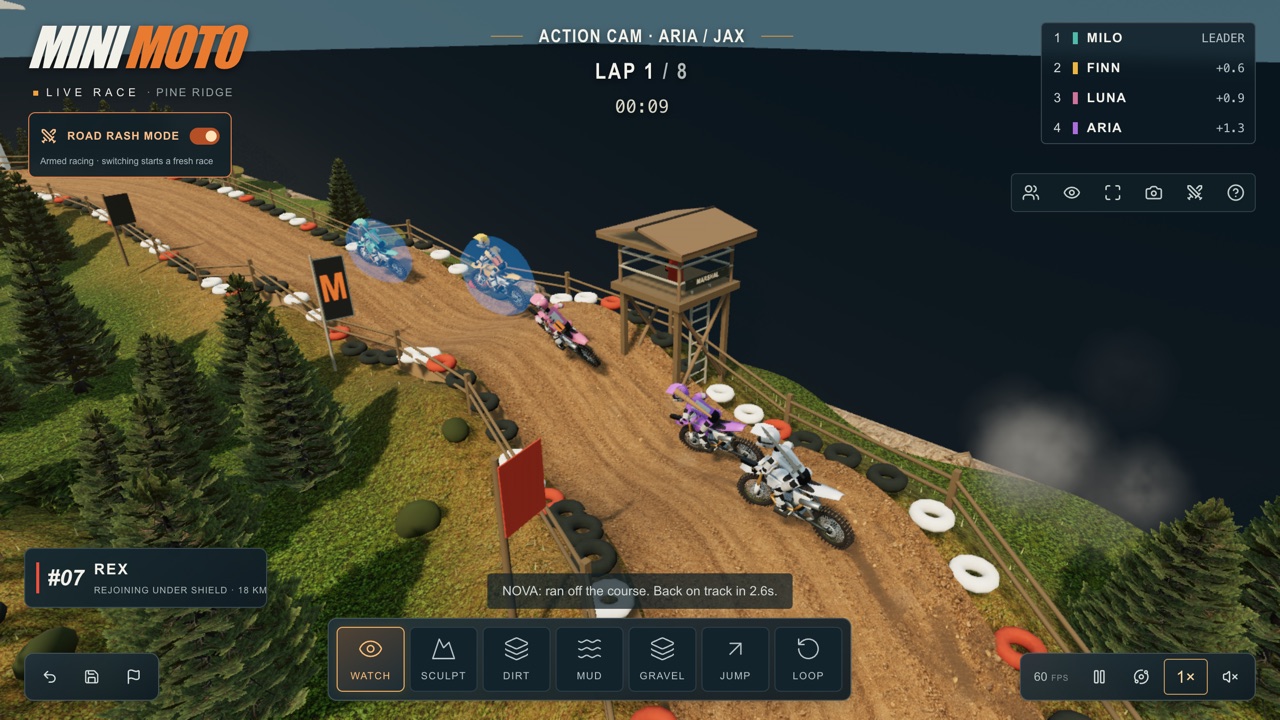
For another game about laps, timing and machines on the move, try Mini Moto, where you run a motocross park instead of riding it. For more time spent on a simulated sea, see Going Merry · Open Ocean.
Frequently asked questions
- What does ?quality=ultra do, and what happens with ?quality=ulta?
- ?quality=ultra starts the game on the Desktop Ultra preset if your browser supports WebGPU. ?quality=ulta is not a preset the page knows, so it silently starts on Balanced. The address parameter beats any preset you saved before.
- Does Ultra need WebGPU?
- Yes. Without it the Ultra option is disabled and the game runs on Balanced in a WebGL 2 fallback with far fewer spray particles.
- Which preset should I use?
- Balanced unless you have a strong desktop GPU. Balanced is the page's default and ran at roughly 47 to 58 frames a second on our test Mac, where Ultra ran at roughly 37 to 47.
- Is there a goal?
- Yes: cross all eight gates in order in the shortest time. The game keeps your personal best and your gate times in your browser, and nothing is uploaded.
- Does it work on a phone?
- Yes, with limits. Four touch buttons steer, brake and open the throttle, but there is no boost button, and the download is about 150 MB, so use Wi-Fi.
- Who made it?
- It is published under the ChatGPT Sites account takayukihoffman. The page does not name a person or a toolchain, and we found no announcement post.
- Is WaveRunner: Cala Coast free to play?
- Yes. Everything on Floating Arcade is free, with no account, ads or downloads.
- Can I embed this game on my own website?
- Yes — copy the snippet below. The embedded player links back here, which is how we ask to be credited.
Embed WaveRunner: Cala Coast on your site
Paste this where you want the game to appear: