You are SPARK, a small orange robot at the Robo Open. Serve, rally and smash against a CPU opponent on a clay court in front of a crowd of blocky robots, in a quick one-set match with real tennis point scoring, three court lightings and three CPU levels, plus a tutorial and a practice mode. Made by Chong-U, who says AI tools helped build it.
RoboTennis is a small arcade tennis game with a 3D court, seen from behind your player. You are SPARK, an orange robot with a headband and a racket, playing the CPU at the Robo Open in a stadium full of blocky robot spectators, with sponsor boards named after the game's own fictional brands (Volt Cells, Spark Energy, Hex Robotics). The point is the rally: the ball comes over the net, you get beside it, press Space as it reaches your racket, and choose where it goes by holding a direction.
A match is short. The menu says "One set, 2 games, win by 2 (cap 3)", and points are counted the tennis way, 15, 30, 40. Before it starts you pick the court lighting (Day, Sunset or Night) and how good the CPU is (Easy, Medium or Hard). If a match is more than you want to start with, Learn to Play is a tutorial of five short lessons and Practice is an endless ball feed with four drills.
It is by Chong-U (@chongdashu on X), who lists it as Game no. 001 on his play.aioriented.dev page of free browser games. The game's own About section says it was made together with AI tools, and names them: a combination of Grok 4.6, Fable 5 and 5.1, and GPT 5.6 Sol, with the character models made in Meshy, the assets, rig and animation done in Blender, and Unity 6 as the engine, running in the browser through WebGL. His hub says AI has made his process much faster and that he shares how he makes each game. The page does not say which model did which part, so neither do we.
How to play RoboTennis
- Start with Quick Match. When a game begins the bottom left shows what to do ("Space to serve · first serve · deuce court"); press Space and the serve goes off. Once the ball is in play the hint reads "hit · WASD move + aim · Shift run", and a green ring on the court marks where the ball is going to land.
- Move with WASD or the arrow keys and get beside the ball. Press Space as it reaches your racket (the settings screen lists left mouse click too, which we did not try). Forehand, backhand and smash are picked for you from where the ball is; a label at the bottom right names the shot and grades your timing (we saw Forehand Early, Forehand Late, Backhand Early, Backhand Wide, Smash Early and Smash Wide). To aim, hold a direction as you hit: the tutorial's third lesson, Place it Left, says to hold left as you press and then release to recover. Because the same keys move you and aim, holding a direction just before the ball arrives also walks you that way, and in our tries that took us out of position.
- Points end with a big banner (we saw OUT!) and a small note with the score ("Out 30 - 0", "Missed 30 - 15"). The scoreboard at the top left has one row for SPARK and one for CPU and three columns, PTS, GAMES and SETS. At the end a card says whether you won and shows the games, points won, returns hit, longest rally, time played and missed swings, with Rematch and Main Menu buttons.
- Learn to Play walks through it in order. We went through the first three lessons: Find Your Feet (walk into a mint ring), Return the Feed (two good returns, with feedback such as "A little early, wait for the ball to come closer" and "Well placed!") and Place It Left. The lesson counter reads 1/5 to 5/5; we did not see the last two. In Practice, Esc opens a pause menu where you switch drill between Returns, Aim Left, Aim Right and Smash.
- Settings and Controls, from the menu or the pause screen, has the court lighting, a music slider (80 percent to start) and a sound effects and crowd slider (100 percent), and lists the controls. The page says volume, difficulty and lighting are saved on your device. It also says the game pauses when you switch tabs. The menu text and the settings screen mention a D-pad and an A button for menus, so a gamepad may work; we could not test one.
Controls: WASD or the arrow keys move you and, held while you hit, aim the shot. Space serves and hits (the settings screen also lists the left mouse button); hold Shift to run; Esc pauses. Menus work with the mouse or with arrows and Enter. The court can be set to Day, Sunset or Night, and the CPU to Easy, Medium or Hard, before a Quick Match; Learn to Play is a five-lesson tutorial and Practice is an endless feed with four drills.
Click Fullscreen above the game for the largest play area. If the game does not load, use Open in new tab to play it directly from our copy.
Why it's worth your time
What a short test showed. On Easy we held Space down in a fast repeat, moving nowhere else, and won the match 3 games to 2 in 2 minutes 58 seconds; the end card counted 13 points won and 331 missed swings, so most of them were wasted and it still worked. On Hard the same approach lost 0 to 2 in 1 minute 27 seconds, with 4 points won. The scores went 2-2 before that Easy match was decided, so the "cap 3" in the menu means the third game decides it. This is one try on each level, not a measure of the CPU; we did not play Medium, and we did not play with real timing and aiming for long enough to say how deep the rallies get. The menu describes the levels: Easy "a forgiving opponent, a good place to start", Medium "a balanced challenge with room for long rallies", Hard "quicker reactions, tighter shots".
The camera is part of the feel. It follows your player around the court and swings when you run, so when you drift to the sideline the view turns with you and the far end tilts away. Day, Sunset and Night change the light on the court and stands, and Night gives a dark, blue-purple sky with floodlights.
It is a big Unity build. The game is about 33 MB (a 19 MB data file and a 14 MB code file, both gzip-compressed for the browser), plus a few fonts and images; the first load took about 6 seconds from the original site on a fast connection and about 4.5 from our copy. The console notes that the data file is kept in your browser's cache after the first visit, so later visits should start faster. Once running it held 60 frames a second at 1280 by 720 in a desktop browser with a GPU. We did not listen to the sound in detail: the page says sound starts after your first click, and the settings have separate music and effects sliders.
Phones. The page detects a phone and draws at a lower pixel density, but it has no touch controls. In an emulated iPhone 13 the menus took taps and a Quick Match began, but tapping the court did not serve, and the whole game fits in a small window about 350 pixels wide with a blurry menu. The page's own note says a desktop browser with a keyboard is recommended.
What we did to our copy: nothing to the game. The data, code and loader files are byte for byte the same as the original's. We stored the Google fonts the page uses next to the copy, and we did not include the Vercel Web Analytics script the page loads, so playing here does not report you to the author's analytics. The page around the game (the author's name, links to his X account, his YouTube channel AIOriented and VibeGameDev.com, and the About section with the list above) is kept as he made it, apart from the small script every copy on this site carries, and its links go out to the original sources.
We did not find a public source repository for the game. The date the page reports for the build is 8 September 2026 (Unity 6000.5.4f1).
How it was made and where it lives
Hosted on Vercel. The author publishes as chongdashu. Original: https://robotennis-web.vercel.app/. The Play button above runs our own unmodified copy, so the game keeps working here if that page goes down — which on free hosting usually has nothing to do with the author. Nothing about the game itself is changed, and the original stays linked from every page.
If you like RoboTennis, try these
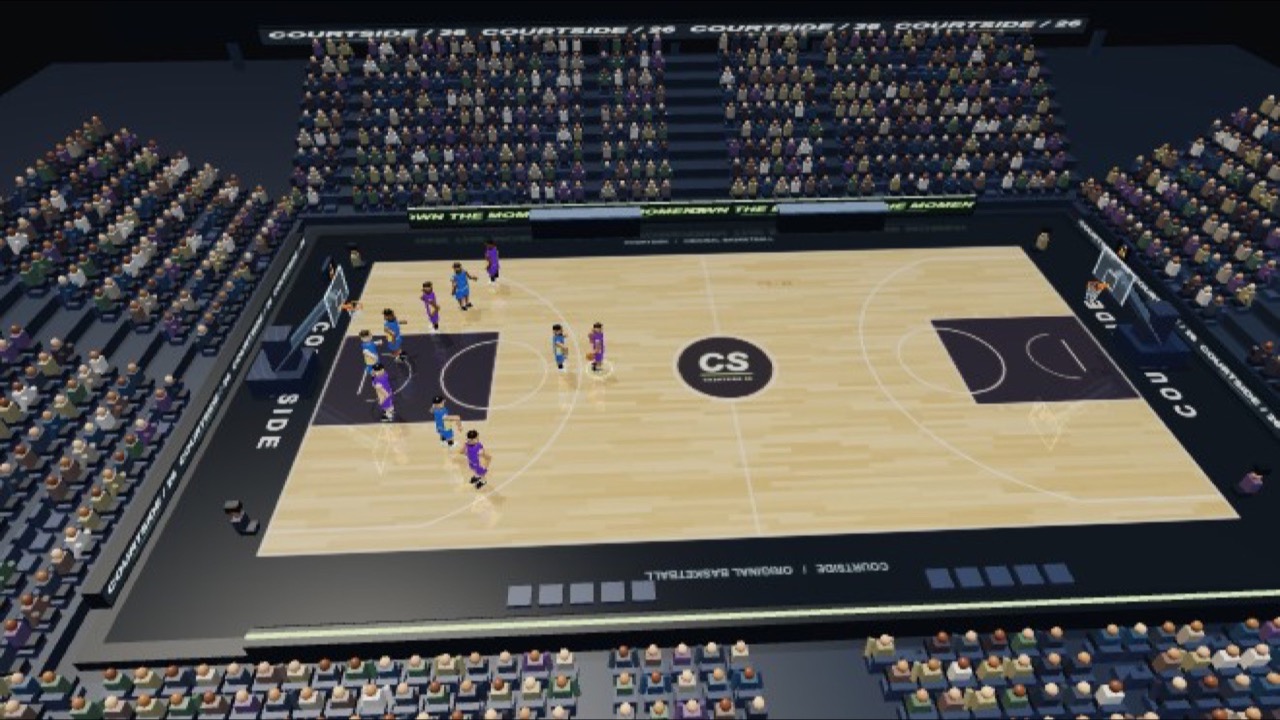
For another sports game with a camera that follows you, try COURTSIDE 26, a 3D basketball court with real-time lighting. If you want another keyboard-driven match against a CPU opponent, Underground Boxing is a three-round boxing bout.
Frequently asked questions
- How do I play RoboTennis?
- Use WASD or the arrow keys to move and Space to serve and hit. Hold a direction as you hit to aim the shot, hold Shift to run, and press Esc to pause. There is a five-lesson tutorial under Learn to Play if you want to try the timing first.
- How does a match work?
- One set, played to two games with a two-game lead, and if it goes to 2-2 the next game decides it (the menu says "2 games, win by 2 (cap 3)"). Points count 15, 30, 40 as in real tennis. We won one Easy match 3-2 and lost one Hard match 0-2.
- Is the CPU hard?
- You choose: Easy, Medium or Hard. On Easy we could win by pressing Space over and over; on Hard the same approach lost quickly. We did not try Medium.
- Does it work on a phone or tablet?
- No, not in practice. It has no touch controls, so you cannot move or serve with a finger. In an emulated phone the menus take taps and a match starts, but it went no further than that. Use a computer with a keyboard.
- Who made it, and with what?
- Chong-U (@chongdashu on X), who also runs the AIOriented YouTube channel and lists it as Game no. 001 at play.aioriented.dev. The game's About section says it was made together with AI tools (Grok 4.6, Fable 5 and 5.1 and GPT 5.6 Sol), with Meshy for the character models, Blender for the assets, rig and animation, and Unity 6. It does not say who did what.
- Does it need an account or a connection?
- No account, and nothing to pay. It needs a connection only to download the 33 MB the first time; from our copy we saw no request to any other site while playing. Settings are saved on your device, and the game data is kept in your browser cache.
- Is RoboTennis free to play?
- Yes. Everything on Floating Arcade is free, with no account, ads or downloads.
- Can I embed this game on my own website?
- Yes — copy the snippet below. The embedded player links back here, which is how we ask to be credited.
Embed RoboTennis on your site
Paste this where you want the game to appear: