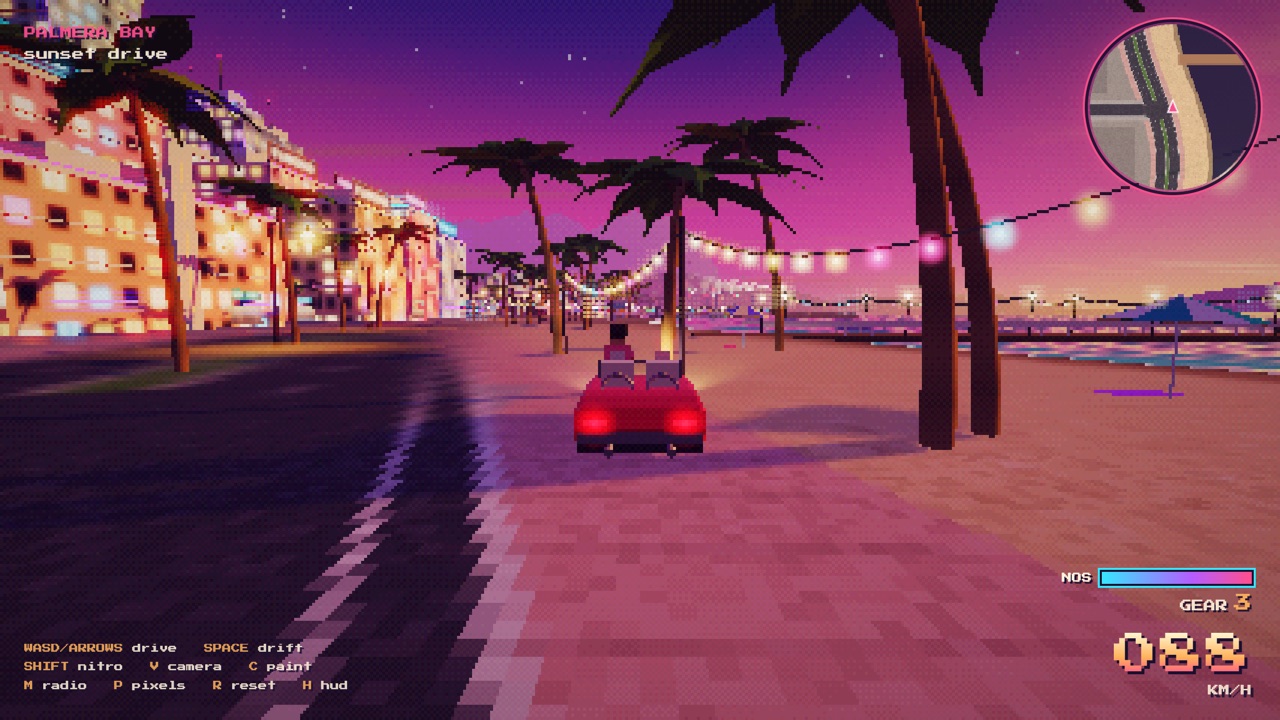
Pilot a silver coupe across a floodlit night test site, from a chase camera or the first-person driver seat. Complete jet hops, barrel rolls and inverted ramp releases. Includes three challenges and free drive.
NO GRAVITY · Roadster Flight Lab is an original 3D driving prototype inspired by the night test site in Tesla's October 16, 2026 Roadster video. A silver coupe, floodlights, red runway edges, exposed steel supports and a tall reverse-curved ramp form a compact stunt arena.
The player controls the approach speed, takeoff, jet bursts and air rolls. Complete three landing challenges or explore in free drive. This is an unofficial interpretation with arcade physics, not a Tesla product or a technical vehicle simulator.
How to play NO GRAVITY · Roadster Flight Lab
- Use WASD or the arrow keys to drive. Follow the current test instructions and aim for the cyan landing zone. On a phone, hold the on-screen gas and steering buttons together.
- For the jet hop, accelerate to around 50–70 km/h and tap Space. Holding Space supplies additional lift while consuming propellant; the tank refills on the ground.
- For the barrel roll, hold Space for roughly half a second at takeoff and Q or E for about 1.6 seconds. Release the roll input to let the stabilizer level the car before landing.
- For the inverted release, climb the ramp at full throttle. Tap Space near the inverted top to detach, then release to let the car half-roll upright without reversing its heading. Hold thrust below 15 metres during descent to soften the landing.
- A challenge requires both its maneuver and a stable landing inside the marked zone. Press C or tap the camera button to cycle Chase, Driver, Side and Overview. Driver view includes a steering yoke and dashboard, and follows the car through inversions and rolls. R retries and Escape pauses.
Controls: WASD or arrow keys drive. Space jumps and holds jet thrust. Q/E roll in the air. Shift drifts. R retries, C cycles Chase / Driver / Side / Overview, and Escape pauses. Phones use the on-screen driving and camera buttons.
Click Fullscreen above the game for the largest play area. If the game does not load, use Open in new tab to play it directly from our copy.
Why it's worth your time
The ramp has a continuous driving surface that curves from horizontal to inverted. Driving on it and free flight use separate motion states, with speed and position carried into the launch.
Roll input is manual and jet fuel is limited. Excessive descent speed or a badly tilted landing causes a retry; a level landing outside the zone lets you line up another attempt.
Three.js, the game code and all procedural geometry and effects are served locally. The original reference video is linked separately and is not required to play.
The driver camera is anchored to the left-hand seat. Its horizon rotates with the chassis, so the ramp, inversion and half-roll are visible from inside the car. The on-screen driving controls remain available in every camera mode.
How it was made and where it lives
Hosted on the author's own page. The author publishes as GameSite original prototype. Original: https://x.com/Tesla/status/2110913438293647789. An original, unofficial driving prototype inspired by Tesla's 45-second Roadster demonstration. All game code, geometry and effects are original apart from the locally bundled Three.js renderer. It is not an official Tesla game or a simulation of the real vehicle's engineering.
Frequently asked questions
- Is this an official Tesla game?
- No. It is an original, unofficial GameSite prototype inspired by the linked Tesla video.
- Can the car fly indefinitely?
- No. This game uses limited jet bursts and gravity. Propellant refills after touching down.
- Can I play on my phone?
- Yes. On-screen controls support steering, gas, braking, jet thrust and rolling with simultaneous touches. A WebGL-capable browser is required.
- What counts as completing a challenge?
- Perform the required trick and land upright at a safe descent speed inside the cyan landing zone.
- Which languages are included?
- Chinese and English. The interface follows the browser language initially and has a language switch.
- Does the game need external services?
- No external service is required during gameplay. The reference link opens the original video separately.
- Can I drive in first person?
- Yes. Press C once from the default chase view, or tap the camera button, to enter Driver view. Keep cycling to return to an exterior view.
- Is NO GRAVITY · Roadster Flight Lab free to play?
- Free browser prototype. No account or download required.
- Can I embed this game on my own website?
- Yes — copy the snippet below. The embedded player links back here, which is how we ask to be credited.
Embed NO GRAVITY · Roadster Flight Lab on your site
Paste this where you want the game to appear: